Start with safe access around the machine
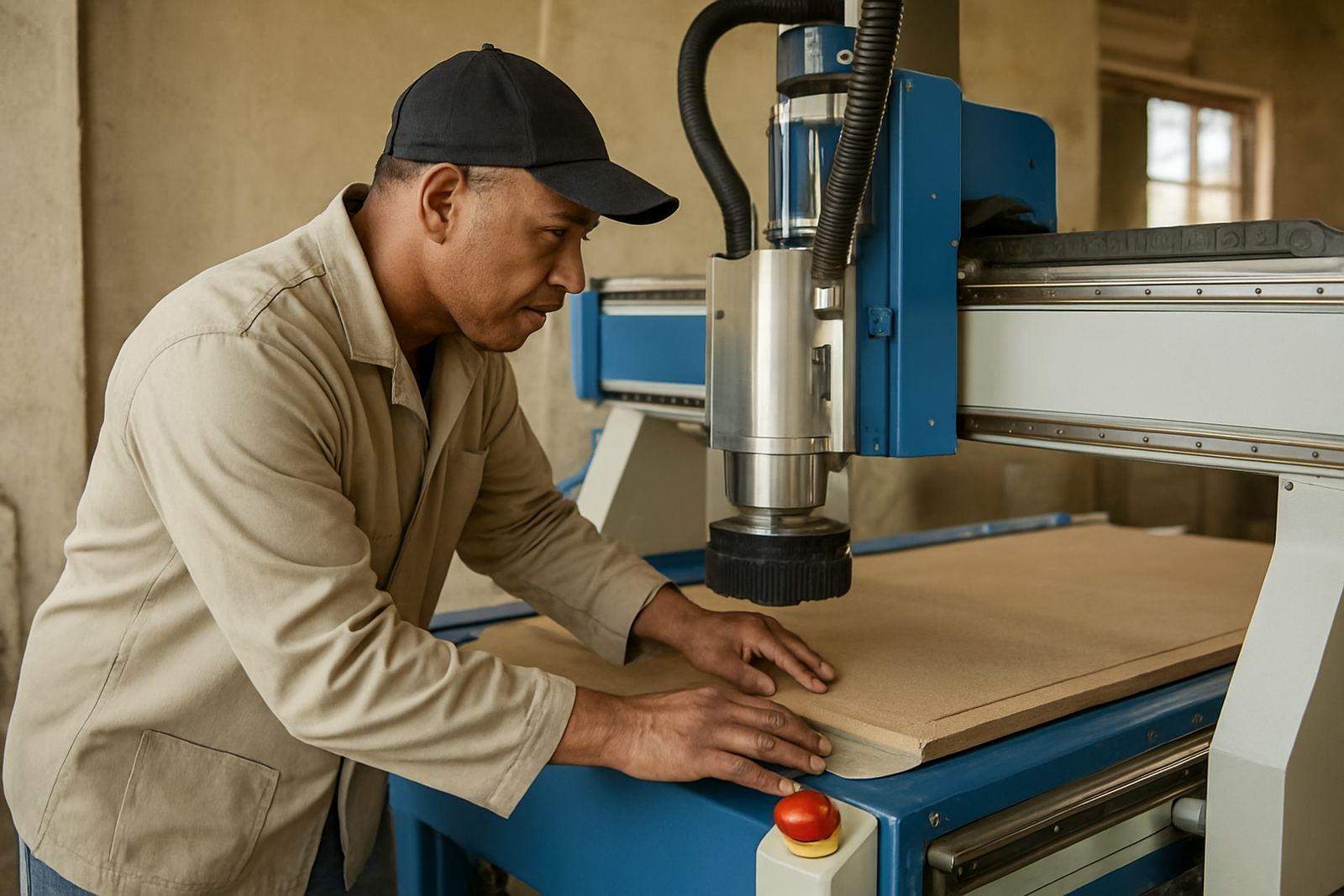
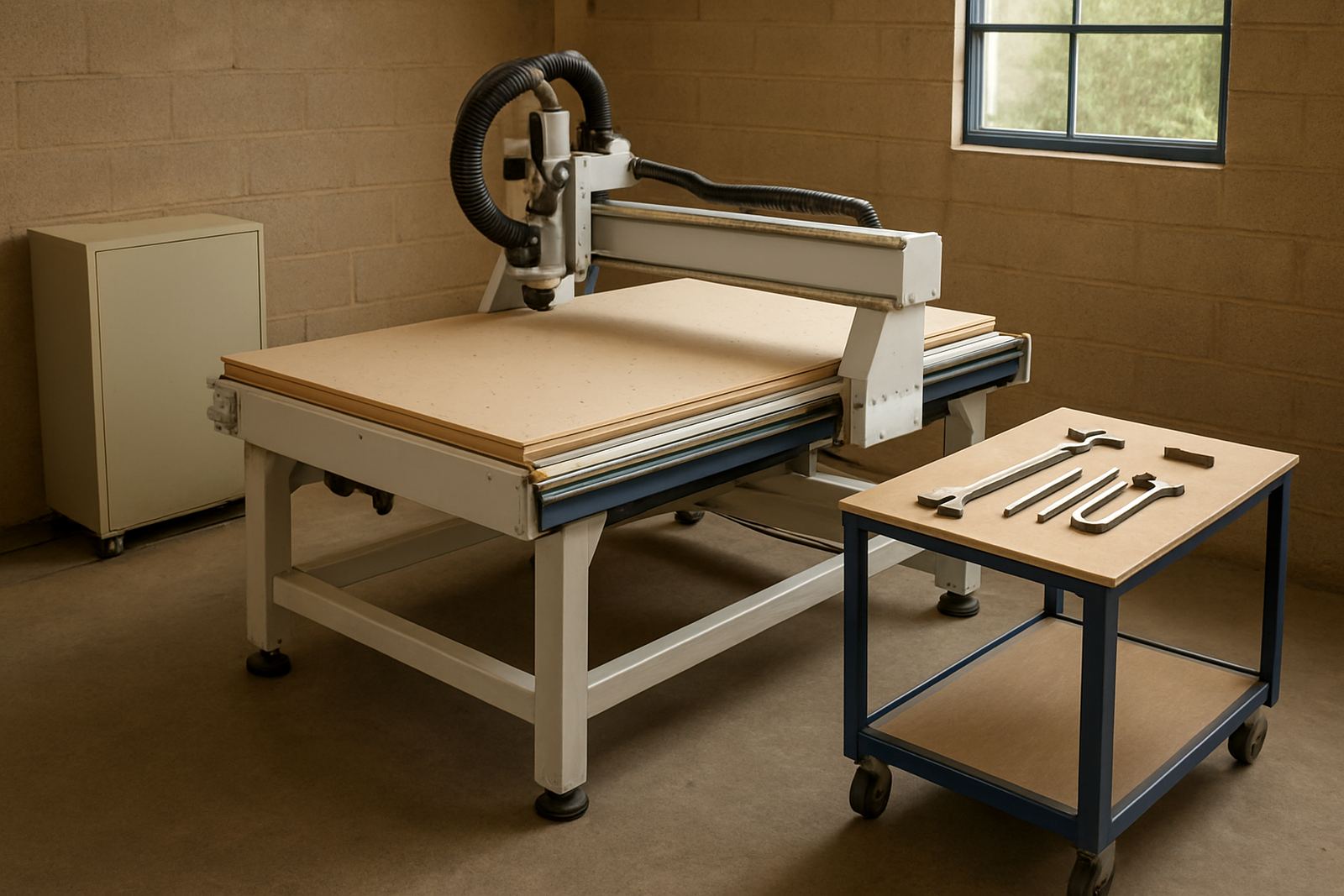
Before the service team arrives, clear a working path to the router, control cabinet, compressor, dust extraction and any vacuum equipment. In many Johannesburg and Durban workshops the problem is not the fault itself, it is the pallet of offcuts, a stack of boards, or a cutting table that needs to be shifted before anyone can even open the cabinet. If the machine is in a tight bay, make sure there is enough space on the operator side and the back side for panels to open fully.
It helps to have good lighting as well, especially if the visit starts early or the workshop has had load shedding and the battery lights are not ideal. A clean, open space lets the technician check cable runs, air lines, limit switches and the spoilboard area without delays.
- Move stored material away from the machine and control panel.
- Clear access to the dust hose, vacuum pump and compressor.
- Leave space for tool changes and spindle inspection.
- Make sure the floor is dry and free of loose offcuts.
Have the fault symptoms ready in plain language
Good maintenance visits start with good information. Write down what the machine is doing, when the issue started, and whether it happens on every job or only on certain materials. A note like “axis rough on long cuts after power interruption” is far more useful than “the machine is not right”.
Tell the technician what material you were cutting, what tooling was fitted, and whether the issue began after a new job setup, a power dip, or a shop move. On soft metals and plastics, feed and speed changes can leave signs that point to tooling wear or vacuum hold down trouble. On wood jobs, dust build up and a leaking hose can look like a drive fault if nobody has checked the basics.
- Note the time the fault first appeared.
- List any alarm codes exactly as shown.
- Record the last successful job and material type.
- Say whether the issue is constant or intermittent.
Back up the controller before the visit
If the machine controller stores tool tables, home positions, macros or user programs, back it up before the technician arrives. This matters after a battery failure, a controller reset, or a damaged memory card. A proper backup can save hours and may prevent a simple service from turning into a long recovery job.
Ask the operator who normally runs the machine to be available for the backup, or have their login details ready if that is part of your system. Keep the backup file in two places if possible, one on a workshop computer and one on a removable drive stored away from dust and heat. If your team has had a power cut or surge recently, mention that too because it may point to a controller or spindle issue.
For workshops in coastal areas like Durban North or Cape Town North, humidity can also affect cabinets, terminals and connectors. A maintenance visit is a good time to check for corrosion, moisture marks and dirty filters before they turn into expensive downtime.
Give the team the machine history, not just the current problem
The technician can work faster if you share the machine history. That includes recent relocations, new tooling, spindle work, vacuum pump changes, replaced cables and any previous alarms. If the router was moved within the Germiston base, or brought in from another site in Midrand Service, alignment and levelling may be part of the service discussion.
Keep a short list of what has already been tried in the workshop. If an operator adjusted the zero point, changed a collet, or swapped a hose, say so. It avoids repeating checks and helps the service person decide whether the issue is mechanical, electrical or set-up related. Small details often matter more than a long explanation.
- Recent power outages or surges.
- Any machine relocation or floor levelling work.
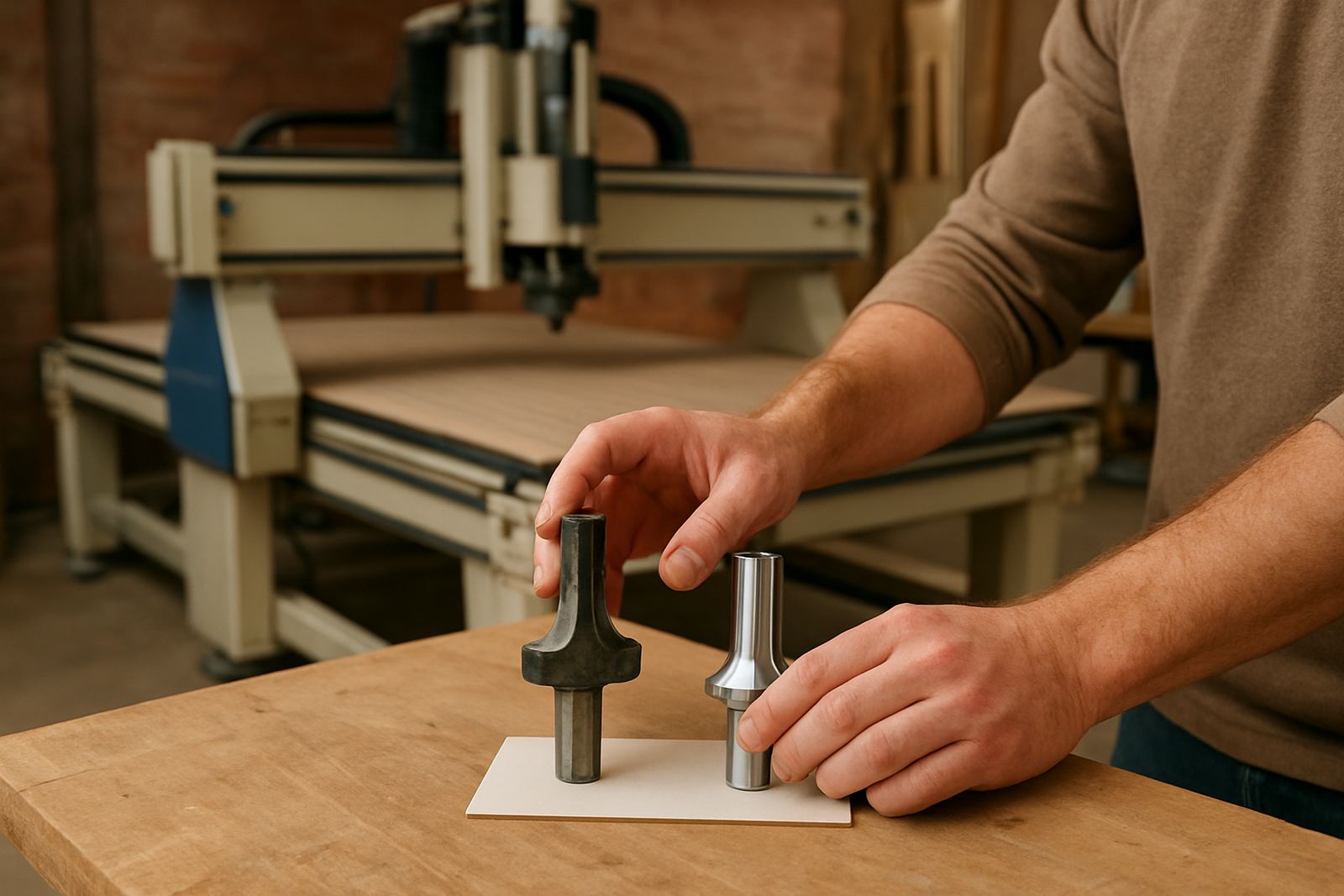
- Tooling changes, worn holders or broken cutters.
- Dust extraction problems or vacuum loss.
- Previous service notes and parts replaced.
Keep operators and a decision maker available
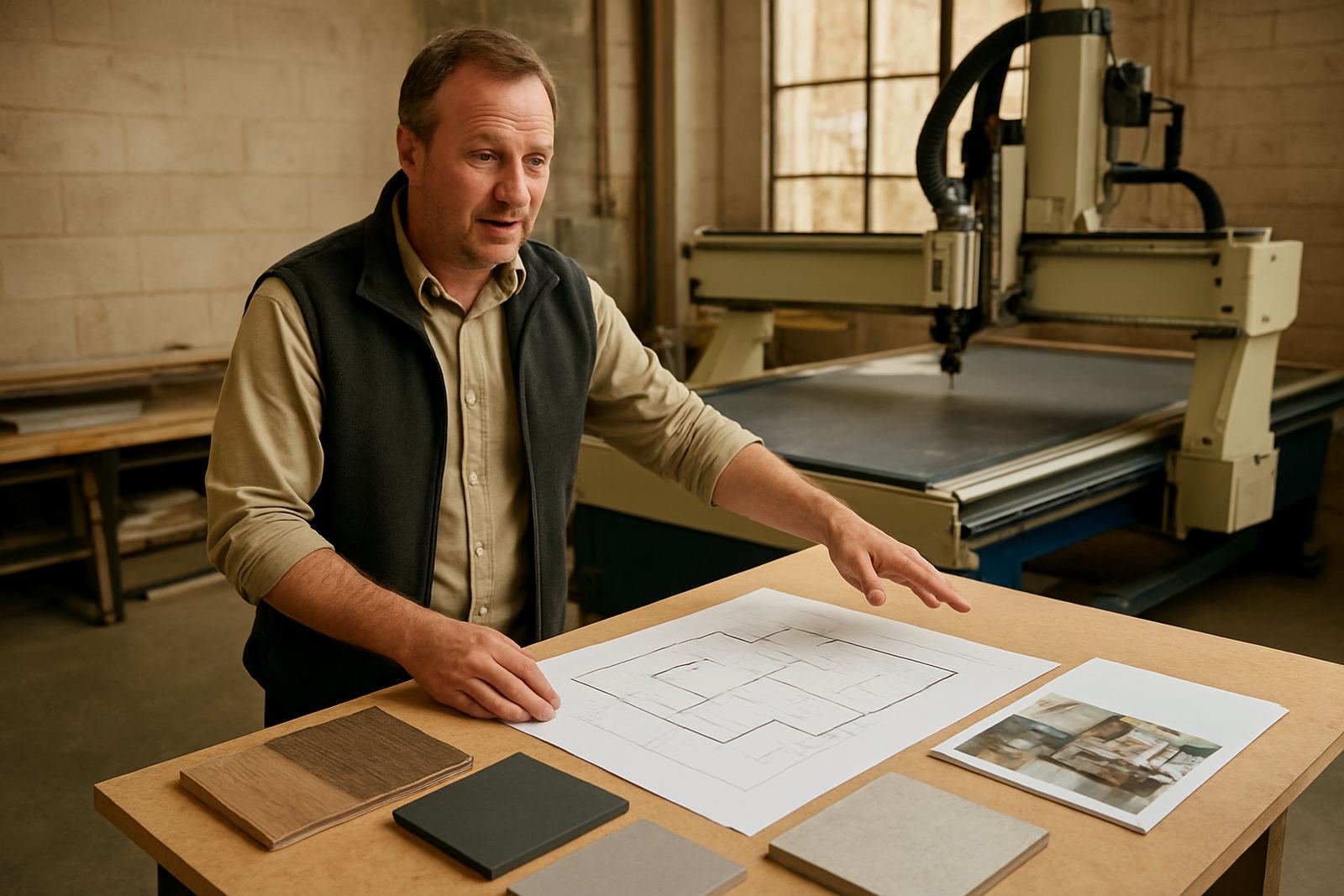
The person who runs the machine every day often notices things that do not appear in a fault report. They may know the sound that changed, the axis that drifts, or the exact point where the vacuum drops. Make sure an operator is available during the visit, and if possible someone who can sign off work or approve extra parts without waiting all day for a call back.
This is especially useful on preventive maintenance visits where the technician may find a spindle bearing issue, a weak vacuum zone, or a loose cable that was not on the original list. A quick decision on site can keep the machine moving and avoid a second callout. In busy shops around Johannesburg East and Pretoria East, that can mean the difference between one disrupted shift and two.
Plan for test cuts and realistic material
A service visit is more useful when the team can test the machine on the material you actually use. Keep a few offcuts ready from the main job types, whether that is MDF, ply, acrylic, PVC or soft aluminium. If the router needs to prove accuracy, a clean test sheet helps the technician check squareness, cutter condition and finish quality after the service.
Do not wait until the last minute to find samples. Put them aside before the appointment, label them if needed, and keep the bits flat and dry. If your workshop uses nested parts, have one current drawing or cutting file ready so the visit can confirm the set-up against a known job. That makes the result much clearer for everyone involved.
For Germiston support calls, the best visits are the ones where the machine is powered, the table is clear and the operator can answer questions while the first test pass is running. That small bit of prep helps the Germiston visit move faster.
Make the follow-up easy after the technician leaves
Once the visit is done, keep the service notes where the whole team can find them. Record what was checked, what was adjusted, any parts fitted and when the next maintenance should happen. If the technician reset a parameter, cleaned a vacuum leak or balanced a dust line, write that down so the next operator knows what changed.
A prepared visit is not just about speed on the day. It also gives your shop a better maintenance record, fewer repeat faults and a cleaner handover between shifts. In a workshop with multiple machines and deadlines to meet, that kind of routine saves more money than it costs.
If your team has a regular service cycle, keep the machine accessible a day early and ask for the same notes every time. Over a few visits, the pattern becomes clear and the machine stays easier to support.