Start with the parts, not the machine price
Before you compare table sizes or spindle power, list the jobs you must cut every week. A sign shop cutting boards, lettering and plastic panels has very different needs from a furniture maker nesting full sheets of melamine or plywood. If the work changes often, an entry router can be a practical starting point. If the same sheet sizes and repeat runs keep coming back, production layout starts making more sense.
Use the part list to check sheet size, material thickness, nesting density, edge quality and expected shift time. In Gauteng many workshops run mixed jobs in the same day, so a machine that is easy to set up can save more money than a bigger table that sits underused.
- List your top 10 parts by size and material
- Note the number of sheets or panels per day
- Record the finish needed on visible edges
- Check whether the job is one-off, repeat, or rush work
When an entry router is the better fit
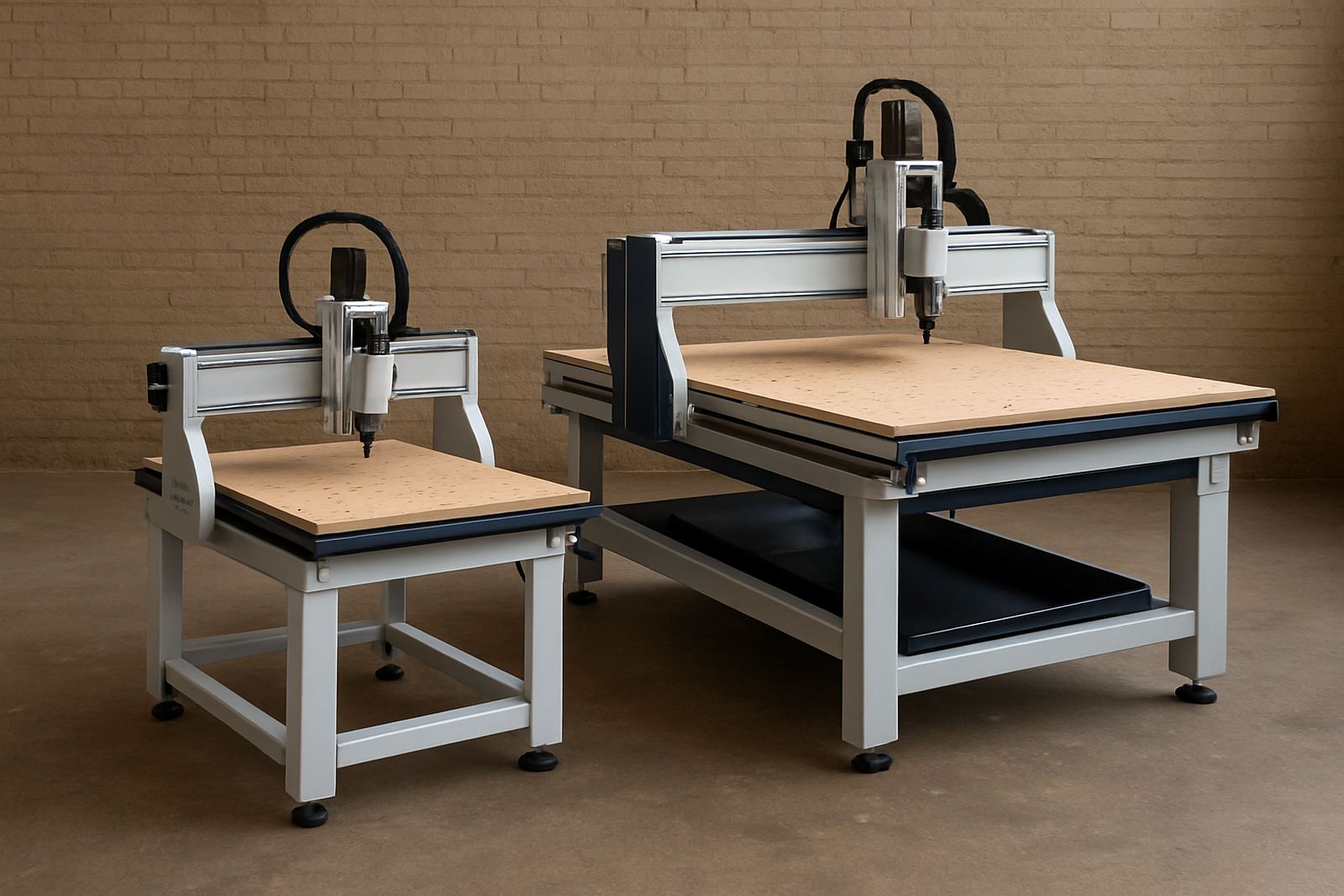
An entry router suits workshops that need reliable cutting without committing to a full production cell. These machines work well for signs, cabinet components, acrylic parts, foam, jigs and light aluminium work, provided the tooling and feeds are kept realistic. They are usually easier to place in a smaller Germiston or Midrand workshop, and they are simpler for teams that are still building CNC habits.
Look for clear controller screens, basic vacuum hold-down options, and a table size that matches the sheets you buy locally. A machine that is too small forces extra trimming and handling. A machine that is too large can create daily waste in power, floor space and maintenance time.
- Best for lower to moderate daily volume
- Good when one operator can manage loading and unloading
- Useful if your team still needs structured training
- Works well where dust extraction is already in place but limited
What changes when you move to production layouts
Production layouts are about flow. Once sheet handling, tool changes, and nesting become part of a repeat cycle, the gains come from less dead time between parts. A higher-output setup may include larger tables, better vacuum zoning, automatic tool changes, stronger dust extraction, and a clear workflow from offload to inspection. That matters in workshops where the same product is cut all week, or where deliveries must leave on fixed deadlines.
In coastal areas like Durban North or Cape Town North, humidity can affect stored sheet goods and tooling, so production planning should include storage, acclimatisation and regular spindle checks. In Johannesburg and Pretoria, dust and power interruptions are usually bigger concerns, so controller backups and a sensible restart routine should be part of the decision.
- Set up for repeat runs and shorter cycle times
- Allow for better vacuum zoning on full sheets
- Plan tool storage and cutter replacement routines
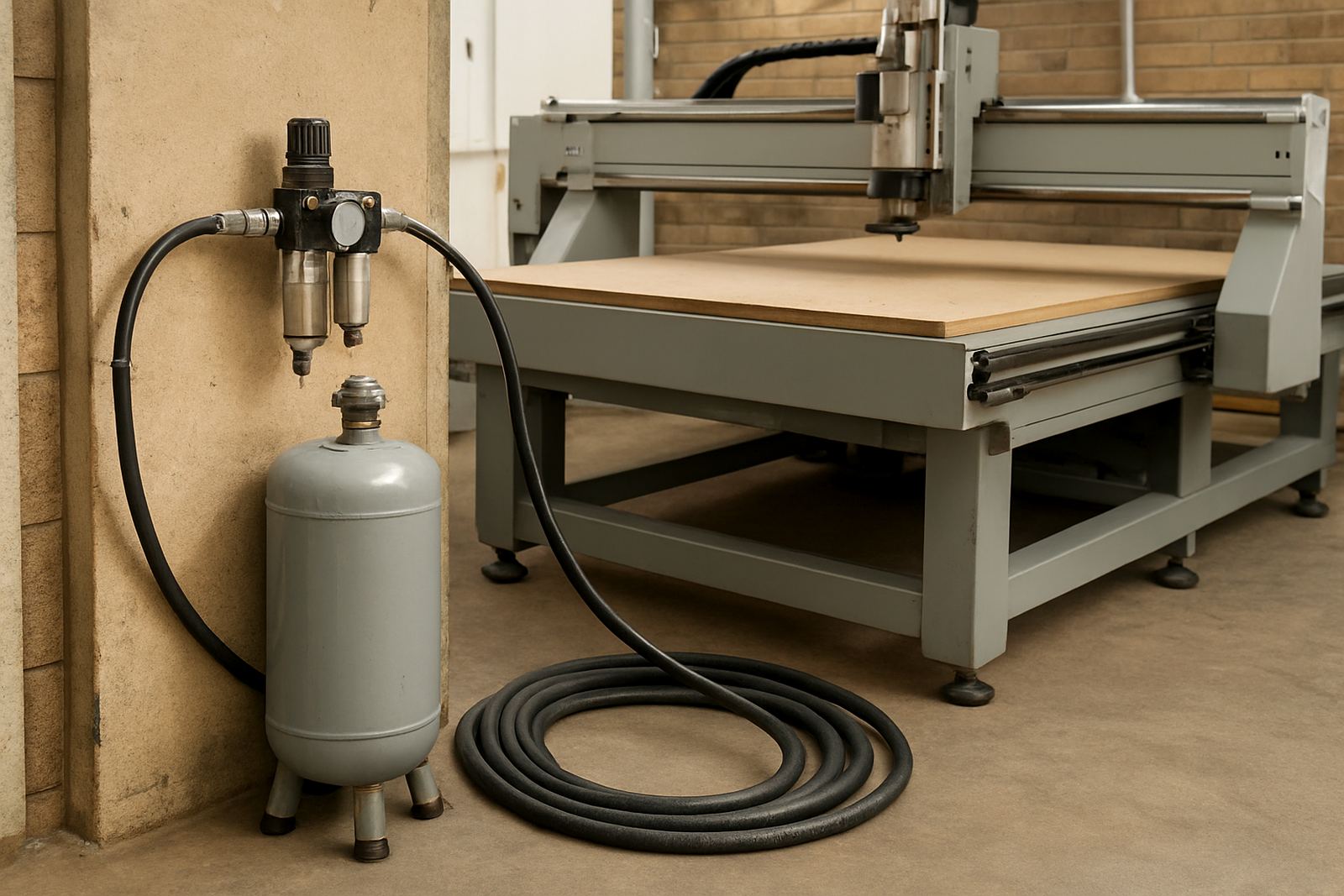
- Check whether the workshop can support stable extraction and compressed air if needed
Floor space, power and dust: the hidden costs
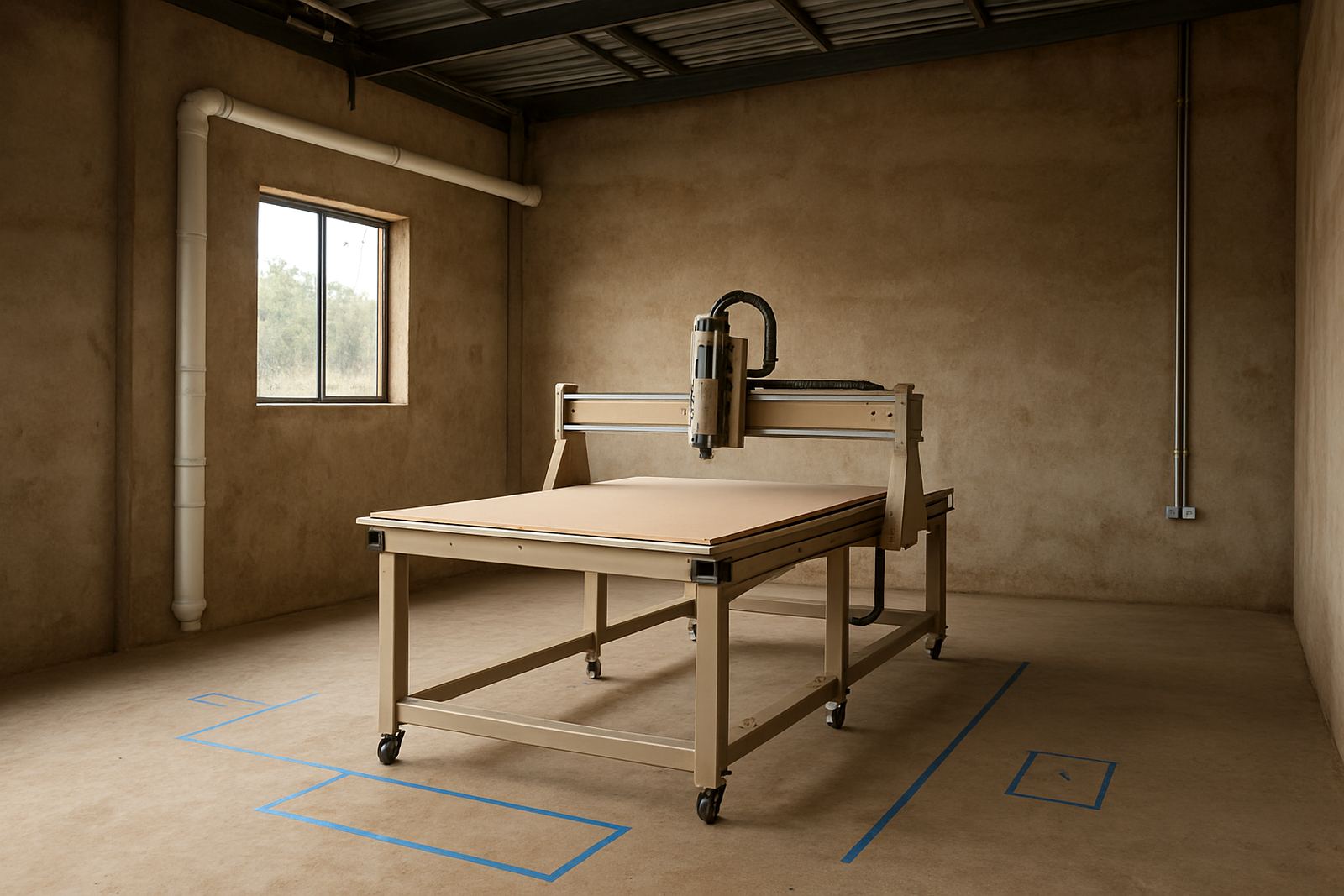
The machine footprint is only one part of the layout. You also need space for loading, offloading, sheet storage, tool prep and waste removal. Many South African workshops underestimate how much room is needed around the table, then find the team stacking offcuts in the walkways. That slows work and becomes a safety issue.
Power supply should be checked before delivery. A router may seem straightforward, but the electrical load, vacuum pump, extractor and compressor can all pull together. In areas with load-shedding or voltage swings, a proper restart procedure and controller backup can prevent lost settings and damaged work. Dust control is just as important. Poor extraction shortens tool life, affects cut quality and makes the machine harder to maintain.
- Measure the final floor plan including operator movement
- Confirm power capacity and breaker layout
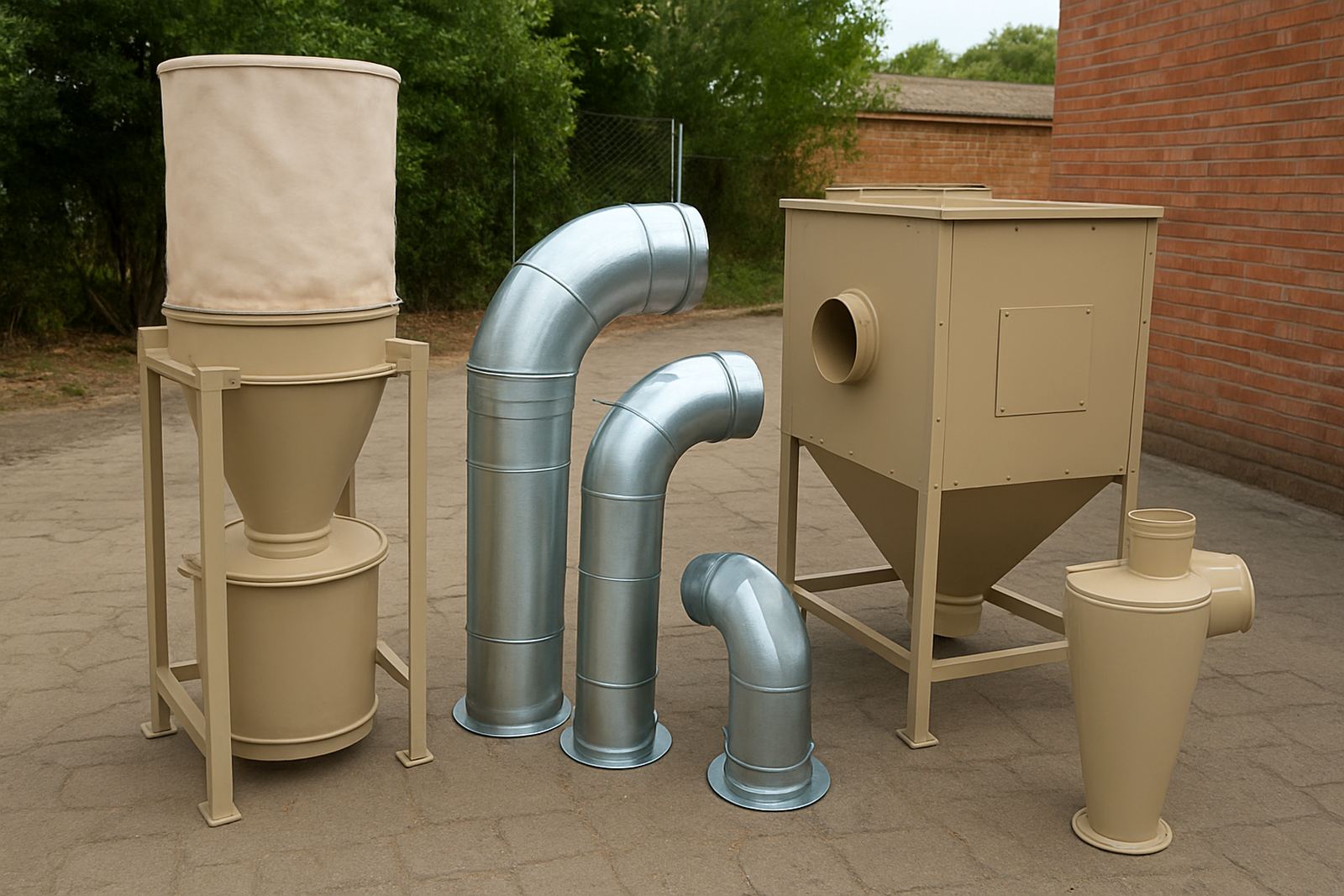
- Check extractor size, ducting, and dust bin access
- Allow a dry, clean storage area for cutters and collets
Tooling and setup that keep work moving
The right cutter matters as much as the machine. Entry routers often fail in service because tooling is matched badly to the material, not because the router itself is weak. For boards, plastics and soft metals, the feed rate, spindle speed and cutter geometry need to be set for the job. A clean first setup helps your team avoid burning, chatter and edge tear-out. It also makes quoting easier because the job times start to reflect reality.
For production work, keep a simple tooling register with cutter diameter, use hours and the materials it suits. That makes handovers cleaner when shifts change or when a relief operator steps in. It also supports better planning for spare cutters and collets, especially when a workshop is serving more than one client type.
- Match cutter type to board, plastic or soft metal
- Record feeds, speeds and vacuum zones for repeat jobs
- Keep spare cutters, collets and clamps on site
- Back up the controller before software or parameter changes
A practical selection checklist for South African workshops
Use this checklist during machine selection and again before installation. It keeps the conversation focused on how the workshop actually works, not on brochures or sales talk. If you are based in Germiston, Johannesburg East, Midrand, Pretoria East, Durban North or Cape Town North, the same questions apply, but the answer may change with your local building, power and delivery constraints.
MultiCAM teams can help with machine installation, commissioning, preventive maintenance, spindle service, vacuum leak checks, operator training and dust system balancing. That support matters most during the first few weeks, when small setup faults can turn into costly rework.
- What materials will be cut every week?
- How many sheets, panels or parts per shift?
- Who will load, run and inspect the machine?
- Is the workshop ready for extraction and safe dust handling?
- Will the layout still work if the business adds a second shift?
Choose the layout that fits the work you sell
The right answer is not always the biggest machine. An entry router can be the smart choice when you need control, simpler training and lower overheads. A production layout is the better fit when output, repeatability and time savings are already proven by the order book. If you are not sure, start with the parts, the power and the people who will use the machine every day.
From Germiston, MultiCAM supports workshops across South Africa with sales advice, installation, relocation and after-sales service. That gives you a clear path from first enquiry through to daily running, without guessing at the setup.