Check the power supply before the truck arrives
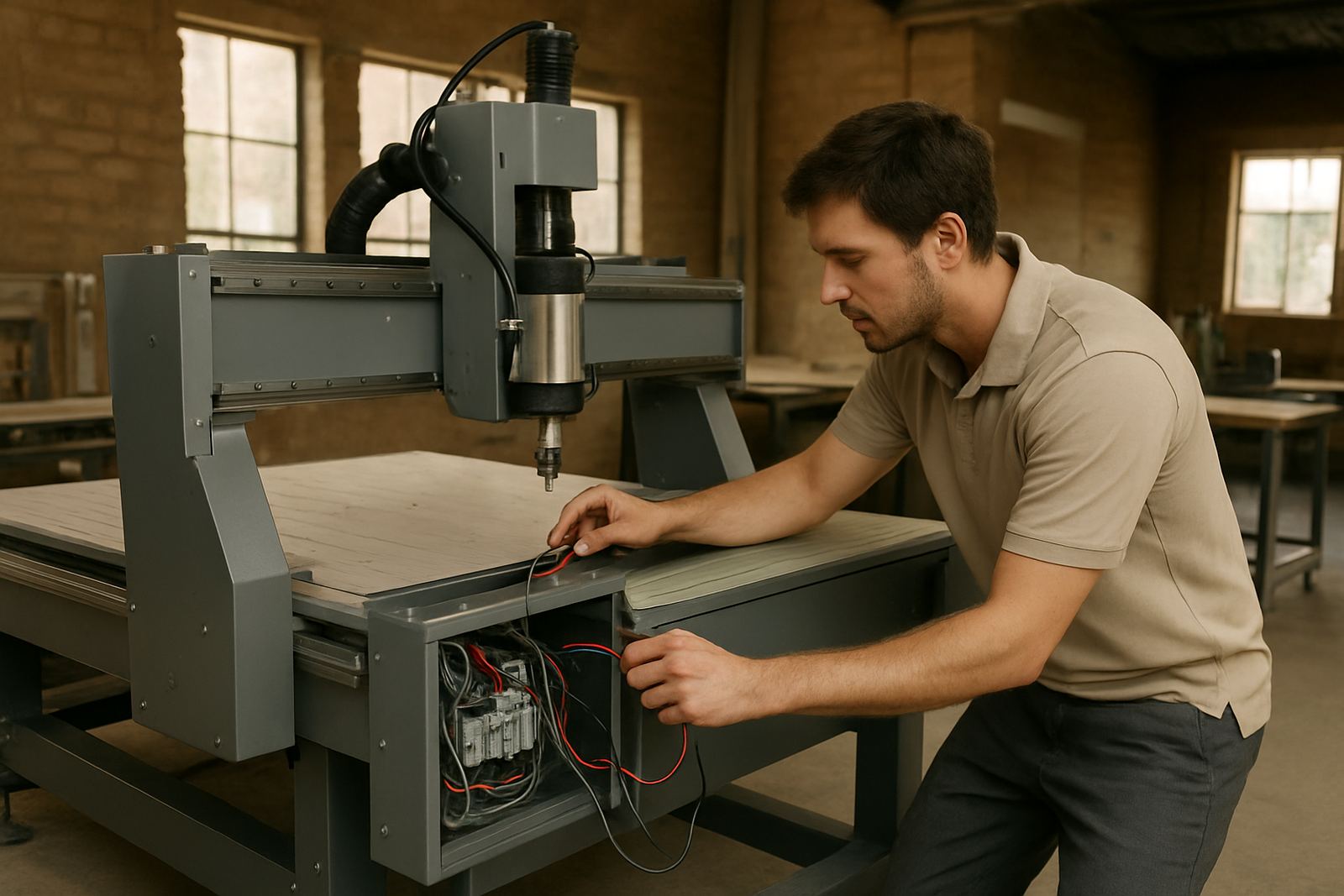
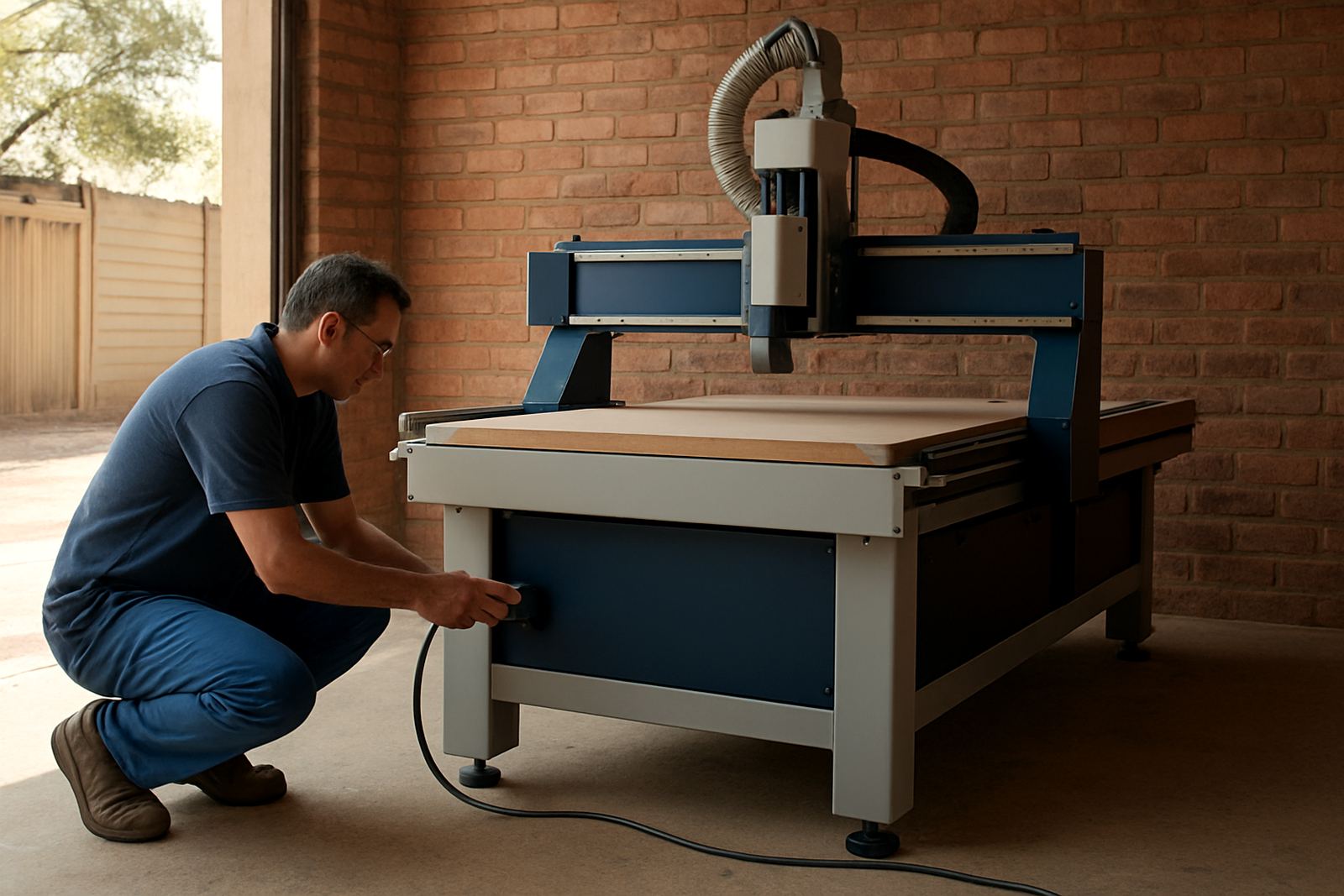
Start with the basics: confirm what power is on site, where it is located, and whether it is ready for the machine and extractor equipment. Many workshop delays come from a supply point that is too far from the planned machine position, or from an outlet that does not match the machine specification. If your site in Germiston, Midrand, Pretoria East or elsewhere has had recent electrical work, test it again rather than relying on old labels.
Make sure the electrician has checked earthing, cable routeing and protection devices. If your area has frequent load shedding, ask how the machine will be shut down cleanly and restarted without losing settings. A proper power plan also helps protect the controller, spindle and vacuum system from nuisance trips.
- Confirm supply type and voltage at the exact machine location.
- Check breaker size, cable thickness and earthing.
- Leave space for safe isolation and maintenance access.
- Ask about backup power if production must continue during outages.
Measure the floor space with real clearance, not just machine size
Floor space around the router matters as much as the table size. You also need room for loading sheets, opening access panels, changing tooling and moving finished parts away from the table. In tighter Johannesburg workshops, a layout that looks fine on paper can become awkward once timber, acrylic and offcuts start moving through the room.
Measure the full working area, not only the final position of the router. Allow for the operator side, service side, vacuum unit, tool cabinet and dust extraction runs. If the floor has cracks, uneven patches or standing water after rain, sort that out before installation because alignment and levelling depend on a stable base.
- Map the full route from delivery point to final machine position.
- Allow clear walkways for operators and material handling.
- Check ceiling height if the machine will be craned or assembled indoors.
- Keep the area dry and free from loose dust, scraps and packaging.
Make the access route workable for delivery and lifting
Large machines, vacuum systems and accessories need a clear path into the building. Tight gates, low beams, sharp turns and soft gravel all cause unnecessary problems on delivery day. If your site is in an industrial area with shared yards or security access, arrange gate times and contact details early so the team can move in without waiting around.
Measure doors, roller shutters, ramps and any turning points before the truck arrives. If lifting equipment is needed, confirm who supplies it and where it can stand safely. Keep the route free of parked vehicles and materials. A short delay at the gate can become a full day lost if the machine cannot reach its final position.
- Measure every doorway and turning point on the route.
- Check truck access, height restrictions and ground conditions.
- Arrange site contact numbers for security and receiving staff.
- Set aside a dry, level unloading area if the weather turns.
Prepare dust extraction and workshop air movement
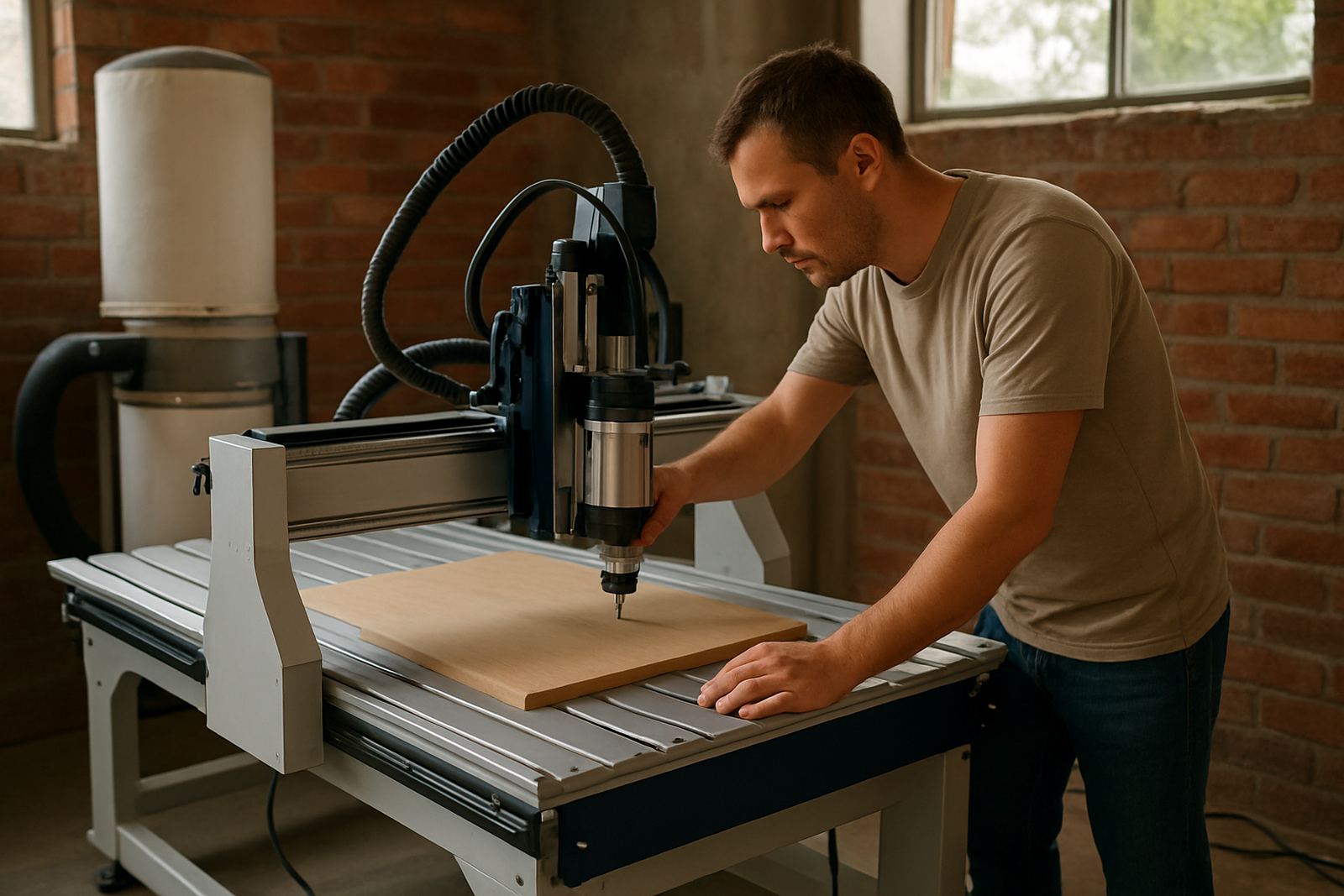
Dust control is not optional on a CNC install. Wood dust, plastic chips and fine MDF powder can shorten service life, block filters and make the workshop unpleasant to work in. In coastal areas like Durban North and Cape Town North, humidity can also affect dust build-up and storage, so extraction and housekeeping need to be practical from the start.
Plan where the dust line will run, where the extractor will sit, and how waste will be emptied. Keep hoses as short and straight as possible. If the machine will cut soft metals or mixed materials, ask for guidance on what can share the same extraction setup and what should be kept separate. Good airflow also helps operators see the cut area clearly, which reduces mistakes.
- Confirm extractor position and power before install day.
- Allow enough hose length without sharp bends.
- Plan waste removal and filter cleaning access.
- Keep the area around the machine clear for cleaning and inspection.
Get tooling, materials and software details in one place
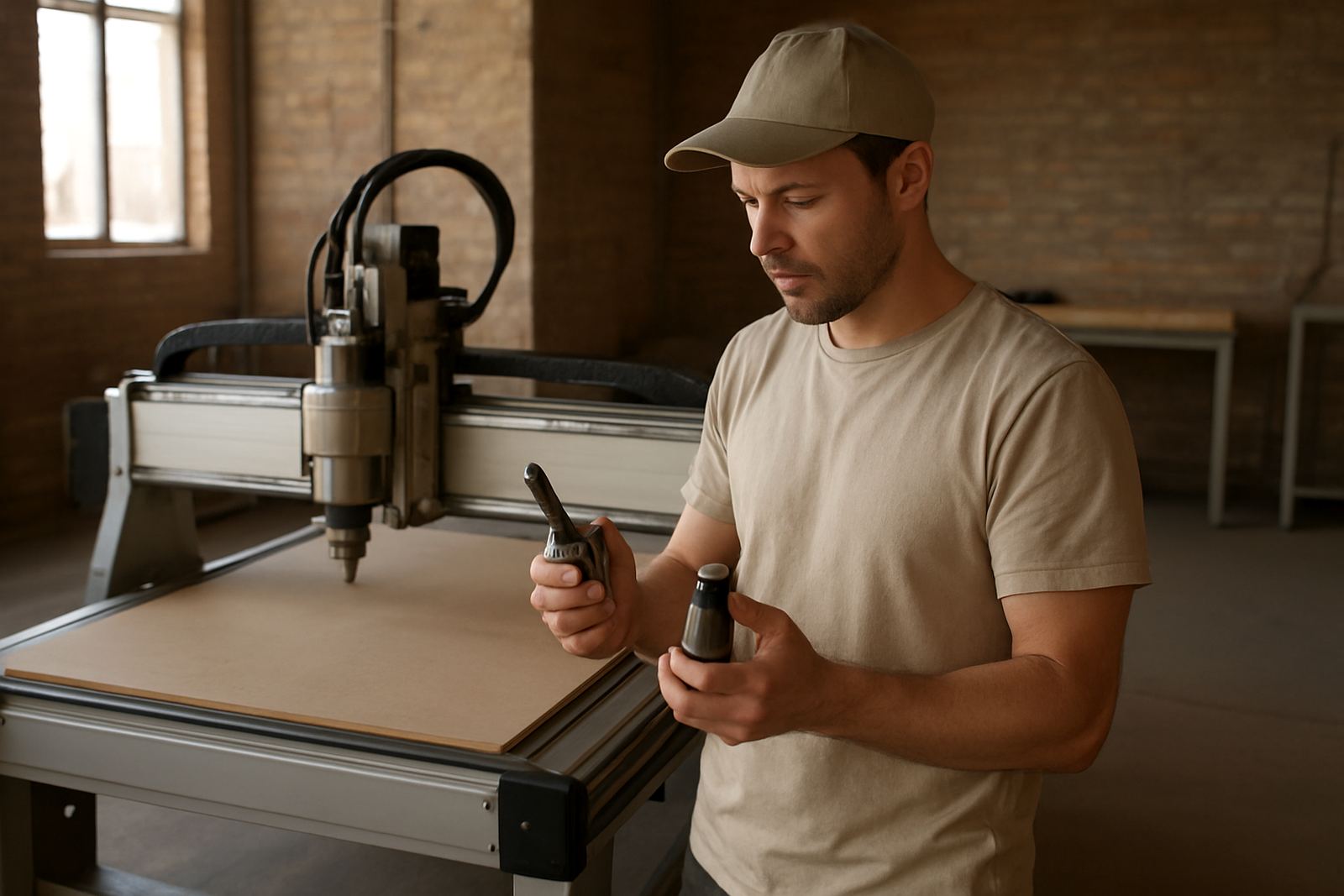
Installation goes faster when the team has the right tooling notes, sample material sizes and control details ready. If the workshop already has cutters, collets or clamps, set them aside and label them. If new tooling is being supplied, keep it together so the technician can check fit, usage and cutting order with the operator before production starts.
It also helps to have the latest drawings, file formats and job examples on hand. That way the team can confirm how the machine will be used from day one, whether for signage, nesting, cabinetry or plastic parts. If multiple operators will share the machine, decide who needs training first and who will be responsible for backups, folders and routine checks.
- Gather tooling, clamps, hold-down parts and spare consumables.
- Prepare sample jobs, drawings and material offcuts for testing.
- List operator names and shifts for training planning.
- Keep controller backup details and passwords available for the technician.
Have the site contacts and workshop rules ready on the day
Good preparation is not only physical, it is also about access, safety and communication. Make sure the receiving team knows who signs off delivery, who escorts the installers and who can answer electrical or layout questions. If your workshop has PPE rules, induction steps or municipal restrictions on noise and waste, let everyone know in advance. This avoids hold-ups, especially when the install involves drilling, lifting or after-hours access.
For businesses with branches in Johannesburg East, Midrand Service, Pretoria East, Durban North or Cape Town North, it helps to nominate one site contact and one back-up contact. Keep phone numbers active and close by. If the machine needs a later relocation or a second visit for commissioning, the same contact list will save time.
- Nominate one person to receive the machine and sign off work.
- Share site rules, hours and safety requirements before arrival.
- Keep clear contact numbers for electrical and access issues.
- Reserve space for the installer to unpack, check and test equipment.