A training workshop with clear limits
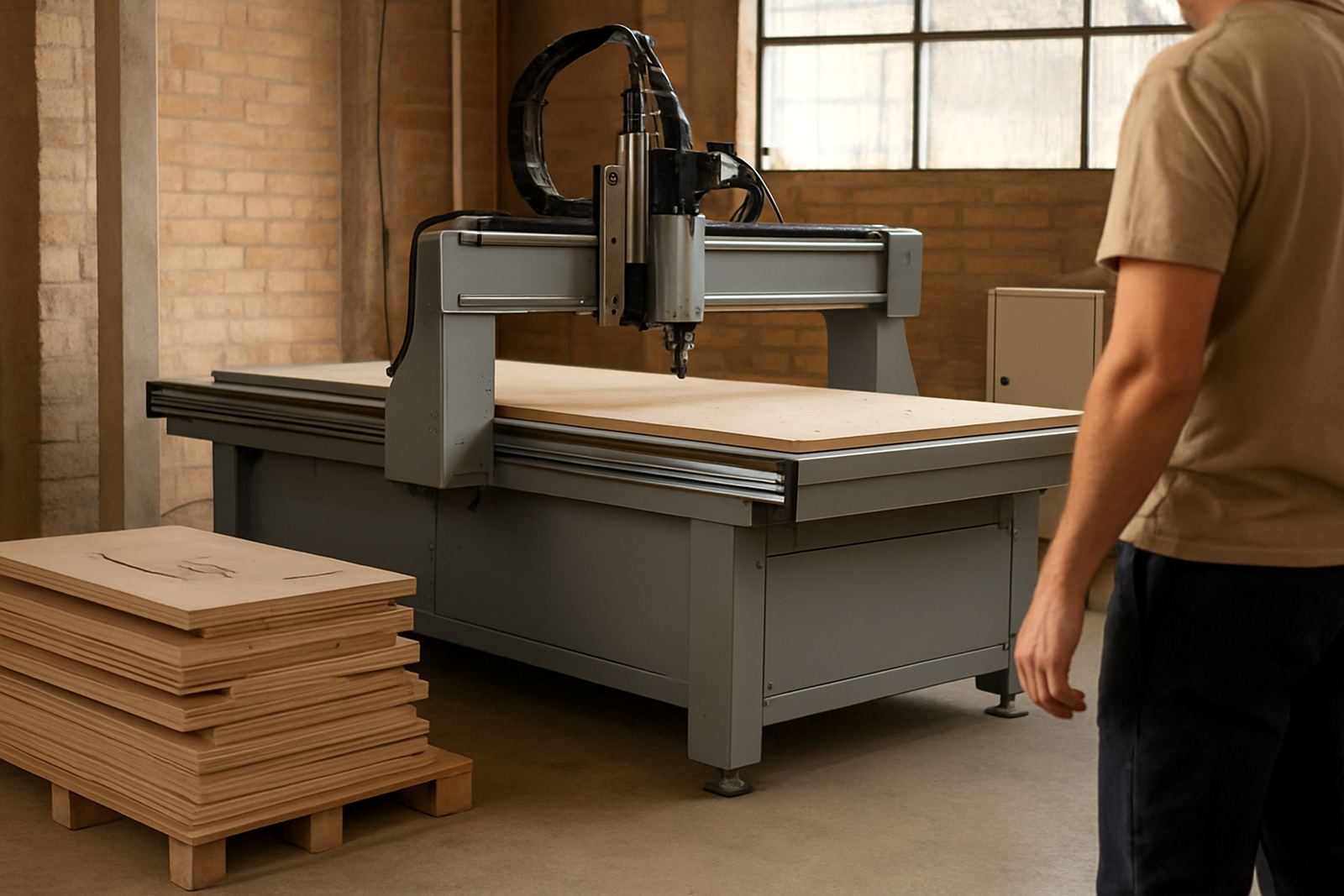
The client was a school-based training workshop in Polokwane that needed a manageable CNC router for learner use. The team wanted parts that could be nested efficiently, cut cleanly and repeated from one class to the next without every shift becoming a troubleshooting session.
The brief was simple in wording but careful in practice: keep the machine easy to supervise, limit the risk of incorrect setup, and choose a layout that would suit a teaching space rather than a high-volume factory. The workshop also had to work around school hours, shared space and the normal stop-start of a training environment.
- Client type: school training workshop
- Town: Polokwane, Limpopo
- Use case: supervised student routing and nesting
- Priority: simple operation and repeatable output
Machine choice for a controlled learning space
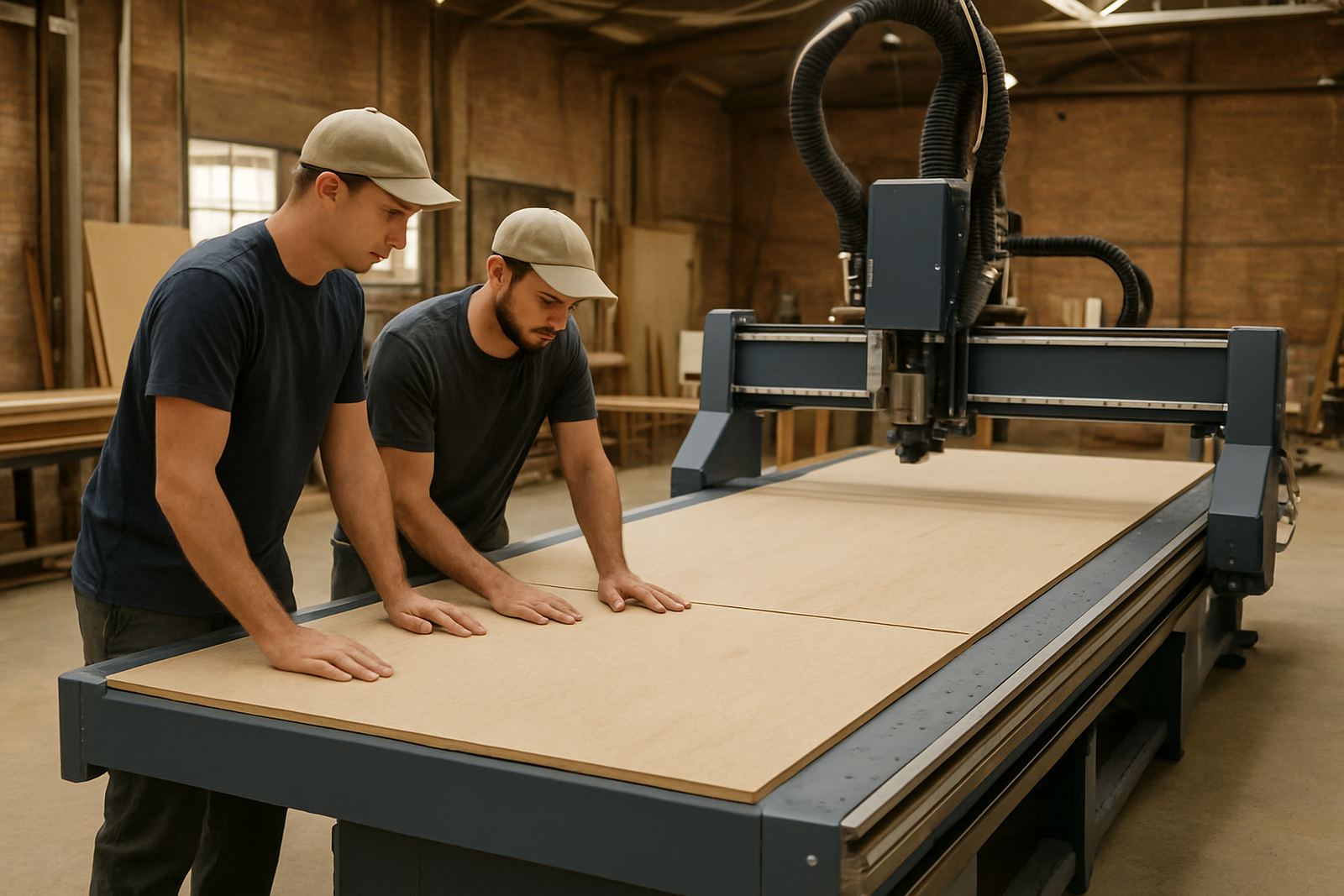
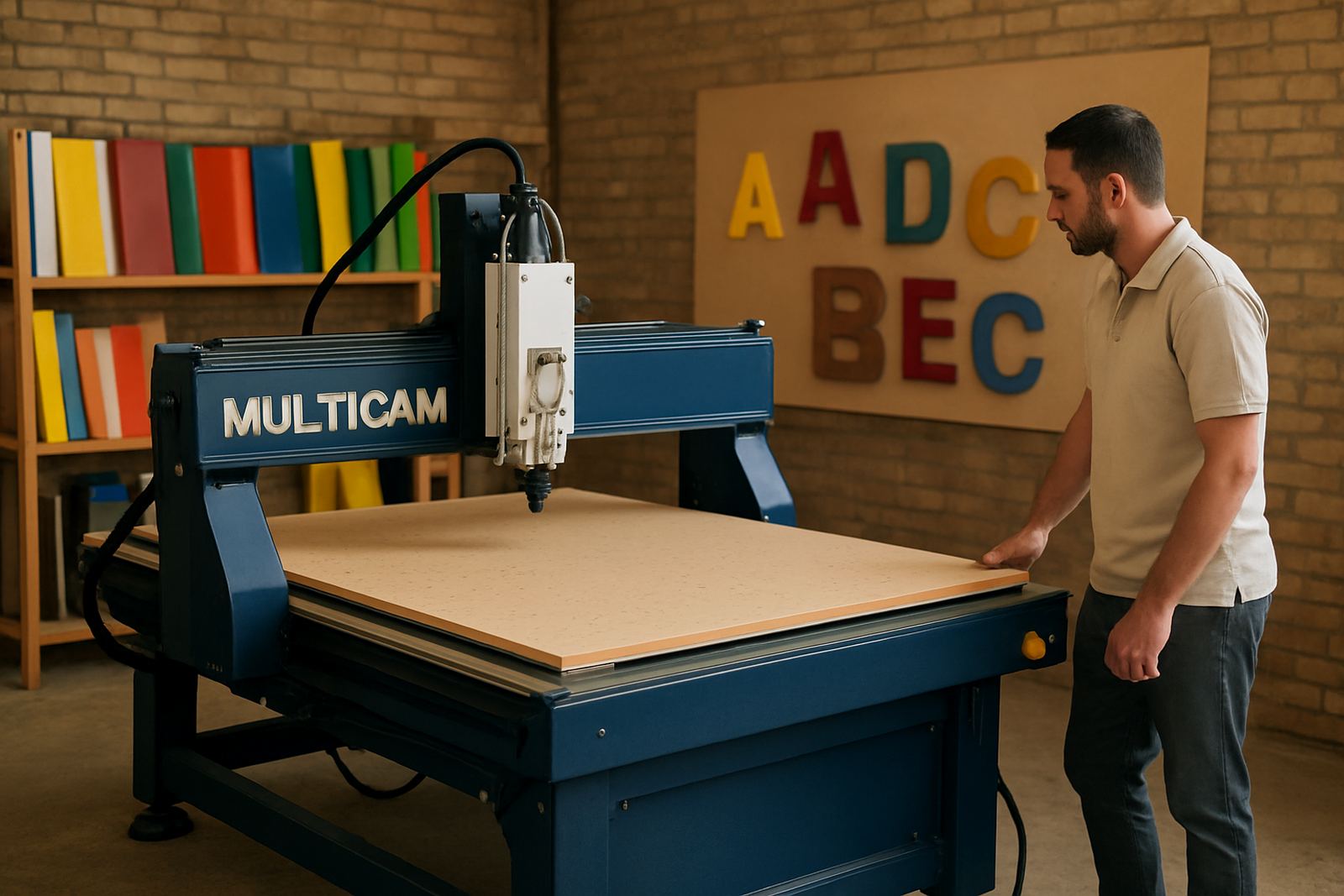
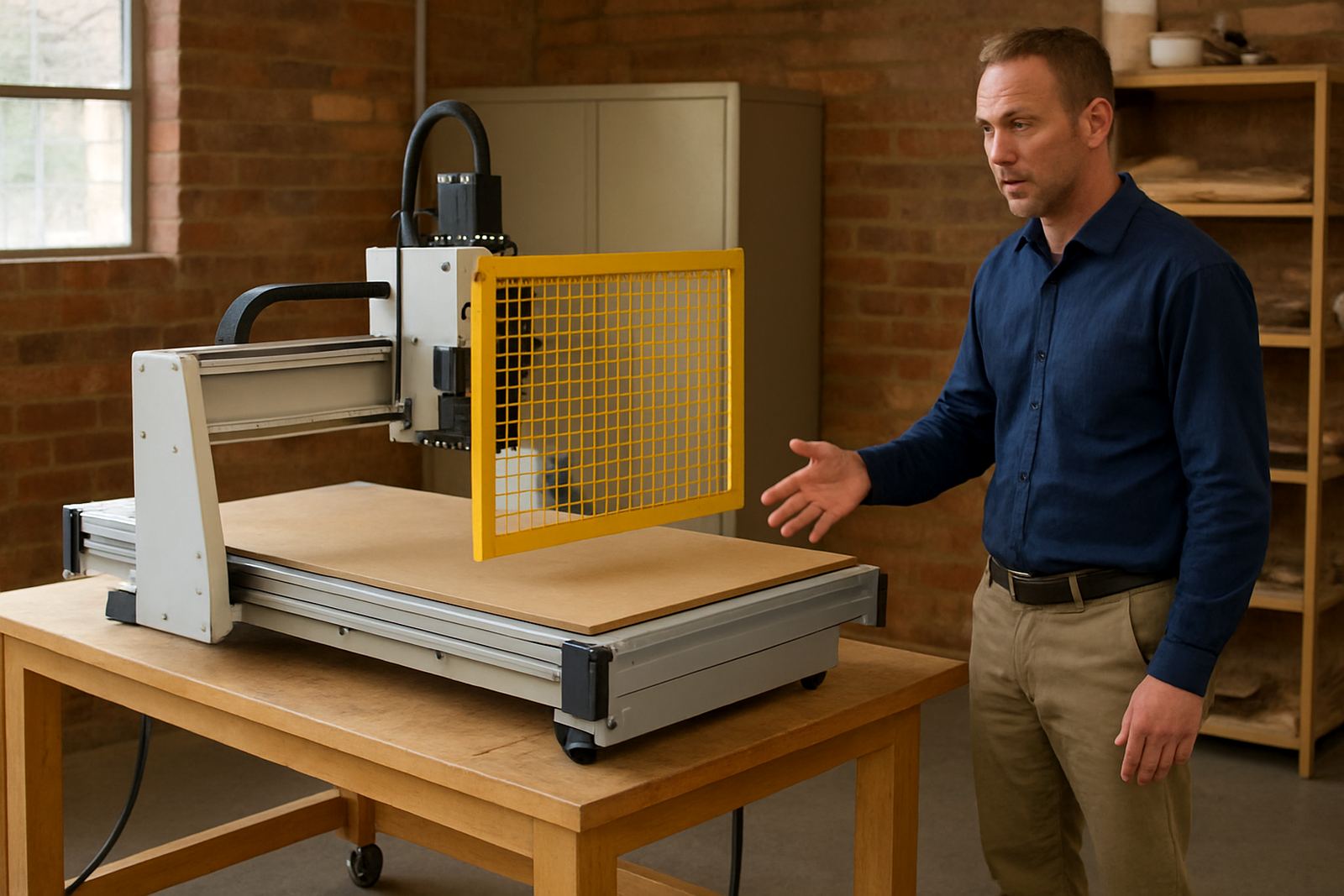
For this project we supplied a router arrangement suited to supervised use, with practical table size, clear access around the machine and controls that did not overwhelm new operators. The setup was selected for wood-based training work, signage practice and general fabrication learning, with enough capability for plastics and light sheet material where required.
The useful part of the conversation was not just the machine size but the whole operating pattern. We looked at tool changes, dust extraction points, table loading, safe operator positions and how learners would move around the machine. In a school workshop, those details matter as much as spindle power.
- Table size: 1300 x 2500 mm working area
- Material focus: timber, board, plastics and light soft metal work
- Control: operator-friendly CNC interface
- Support items: tooling notes, setup guidance and dust handling advice
Installation and commissioning over two weeks
The installation took place over two weeks, with the first stage focused on placement, levelling, power checks and dust extraction alignment. Because the workshop was part of a teaching environment, the schedule had to fit around room access and the school day. We kept the sequence practical and direct.
After the machine was positioned, our team carried out commissioning, controller checks and basic test cuts. We also checked that the machine could hold repeatable settings and that the vacuum table and dust collection arrangement worked the way the workshop needed. Coastal humidity was not a factor in Polokwane, but the space still needed sensible cleaning routines and tool care to keep things consistent.
- Week 1: site check, placement and electrical preparation
- Week 2: installation, commissioning and test cutting
- Final stage: operator handover and supervised setup review
Training that fit the way students actually work
Once the machine was running, we spent time on operator training with the school team. The aim was not to turn learners into programmers overnight. It was to help staff and students understand safe startup, material positioning, tool selection, zero setting and the small checks that stop mistakes before they become scrap.
We also covered practical points that matter in real workshops: how to keep the spoilboard clean, when to check for vacuum leaks, how to back up controller settings and what to do if power is interrupted during a job. Load-shedding was discussed too, because even in a school environment an unexpected outage can waste material and class time.
- Safe startup and shutdown routines
- Basic tool selection and feed-rate awareness
- Controller backups and job recovery habits
- Dust extraction checks before each session
What changed after the handover
By the end of the project the workshop had a routing setup that was easier to supervise and quicker to prepare between classes. The school could produce training parts with fewer setup errors, and staff had a clearer routine for machine checks, tooling and maintenance. That makes a difference in a training room where the operator may change every lesson.
The main result was confidence. Students could focus on the actual machining task instead of fighting the machine, and the teaching team had a layout that matched their working pace. The machine is doing what it should do: cut accurately, repeatably and without unnecessary drama.
- Cleaner cut quality on training jobs
- Shorter prep time between sessions
- Better supervision for student users
- Less wasted material from incorrect setup
What we would do again
We would make the same choice again for a school workshop: keep the machine size sensible, keep the control logic straightforward and spend proper time on handover. The hardware matters, but so does the way learners and staff use it day after day. That is where reliable results come from.
For training environments we also recommend ongoing preventive maintenance, dust system balancing and occasional vacuum leak checks. Those small services protect the machine and help a workshop avoid avoidable downtime during the school term.
- Choose a table size that suits supervision and access
- Keep tooling simple and well labelled
- Plan maintenance around term dates
- Back up controller settings before every break period
Key facts
| Project | Polokwane School Router |
|---|---|
| Client type | School training workshop |
| Town | Polokwane, Limpopo |
| Install duration | 2 weeks |
| Working area | 1300 x 2500 mm |
| Services delivered | Machine Installation, Commissioning, Operator Training, Tooling Setup, Dust System Balancing |