What an auto toolchange router does in a busy workshop
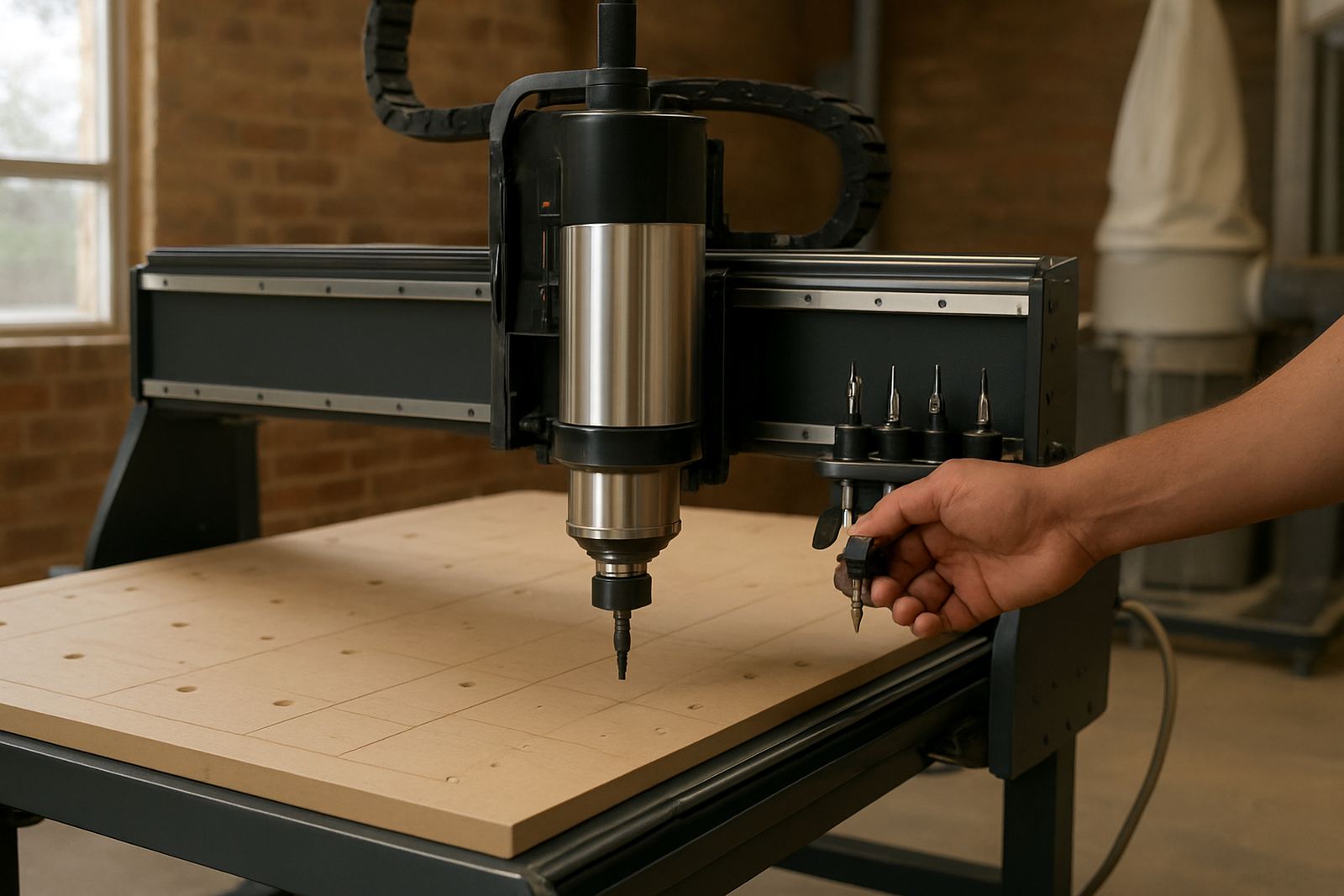
An auto toolchange router uses a tool magazine and a programmed sequence to swap between cutters, drills and other tooling without the operator reaching into the machine between steps. That matters on nested cabinet work, signage runs and production parts where one sheet may need profiling, pocketing, engraving and edge cleanup in a single cycle.
For South African workshops, the real benefit is time control. Less manual changing means fewer pauses, less chance of the wrong tool being fitted and better consistency when the same job comes back next month. On long runs it can also help protect margins, especially when labour is tight and every minute on the spindle counts.
MultiCAM guides fabricators on the practical side too, from tool lengths and collet sizes to how a team should set the first part off the bed. The aim is a machine that fits the work, not a spec sheet that only looks good on paper.
Machine sizes and options that suit local production
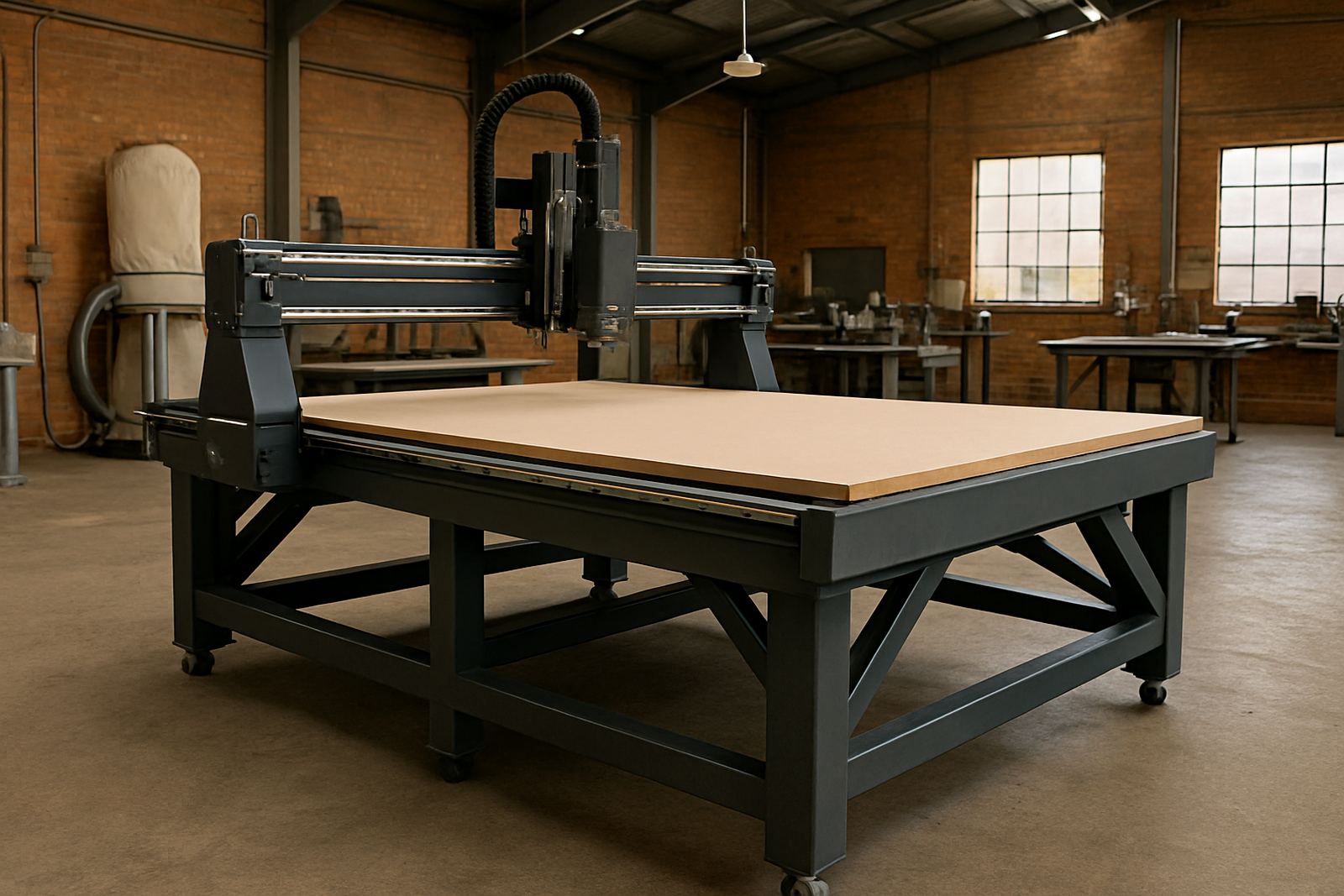
Auto toolchange routers are usually chosen by bed size, spindle power, number of tool positions and the type of material to be cut. In South African shops we often see a smaller 1300 x 2500 mm format for sign and joinery work, then 1500 x 3000 mm or larger for sheet-based furniture production. Bigger beds help when full sheets need to be nested with minimal offcut.
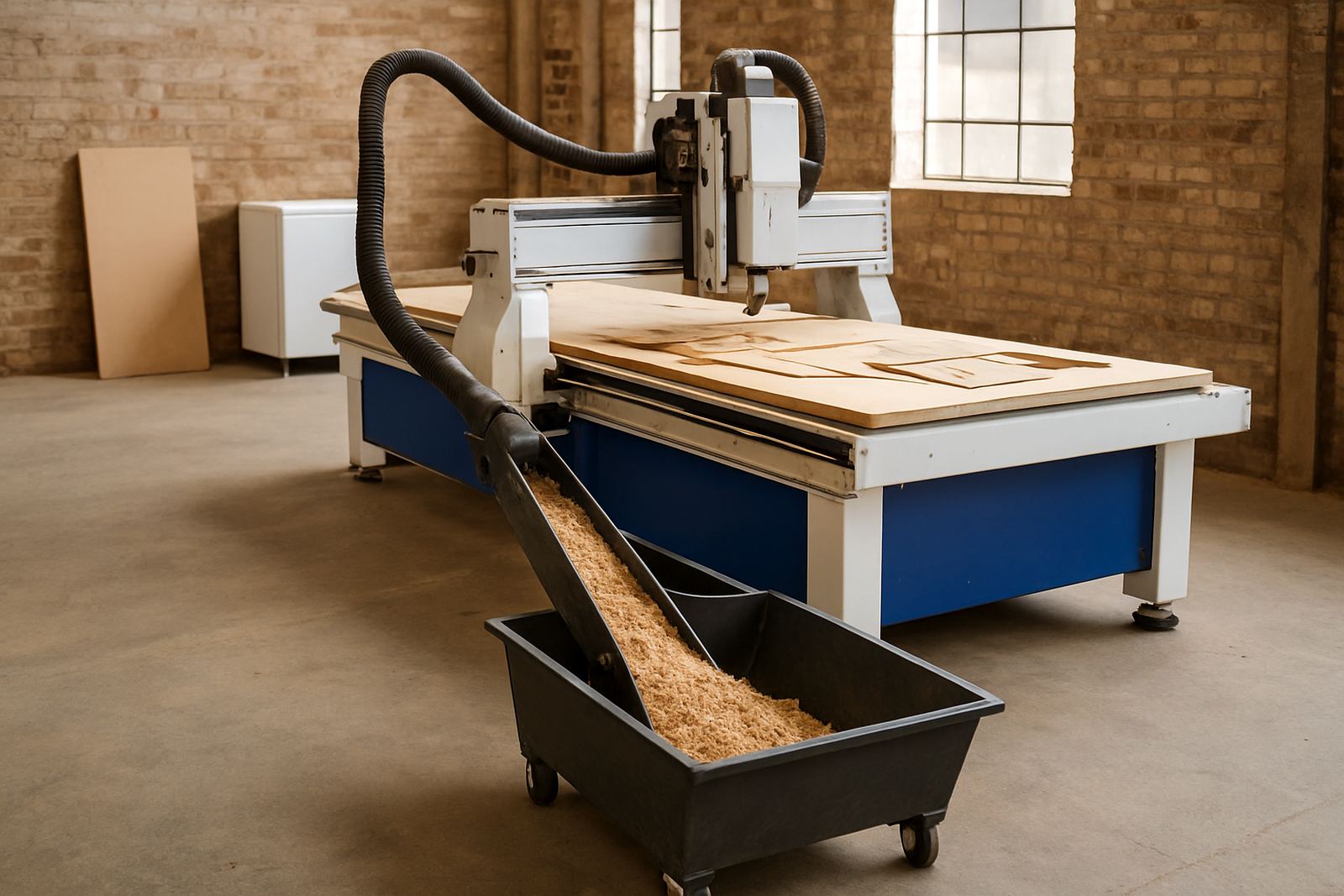
Options can include a fixed or moving gantry, vacuum bed sections, automatic lubrication, mist or dust extraction support and safety fencing where the layout calls for it. For soft metals like aluminium, a stiffer table setup and the right cutter strategy matter just as much as spindle size.
- Bed sizes commonly suited to sheet work: 1300 x 2500 mm, 1500 x 3000 mm and custom larger formats
- Tool magazine options: linear, carousel or rack style depending on machine layout
- Spindle choices: air-cooled or water-cooled, selected for duty cycle and workshop conditions
- Table options: vacuum zones, spoilboard only, or hybrid support for mixed materials
Where this router fits best
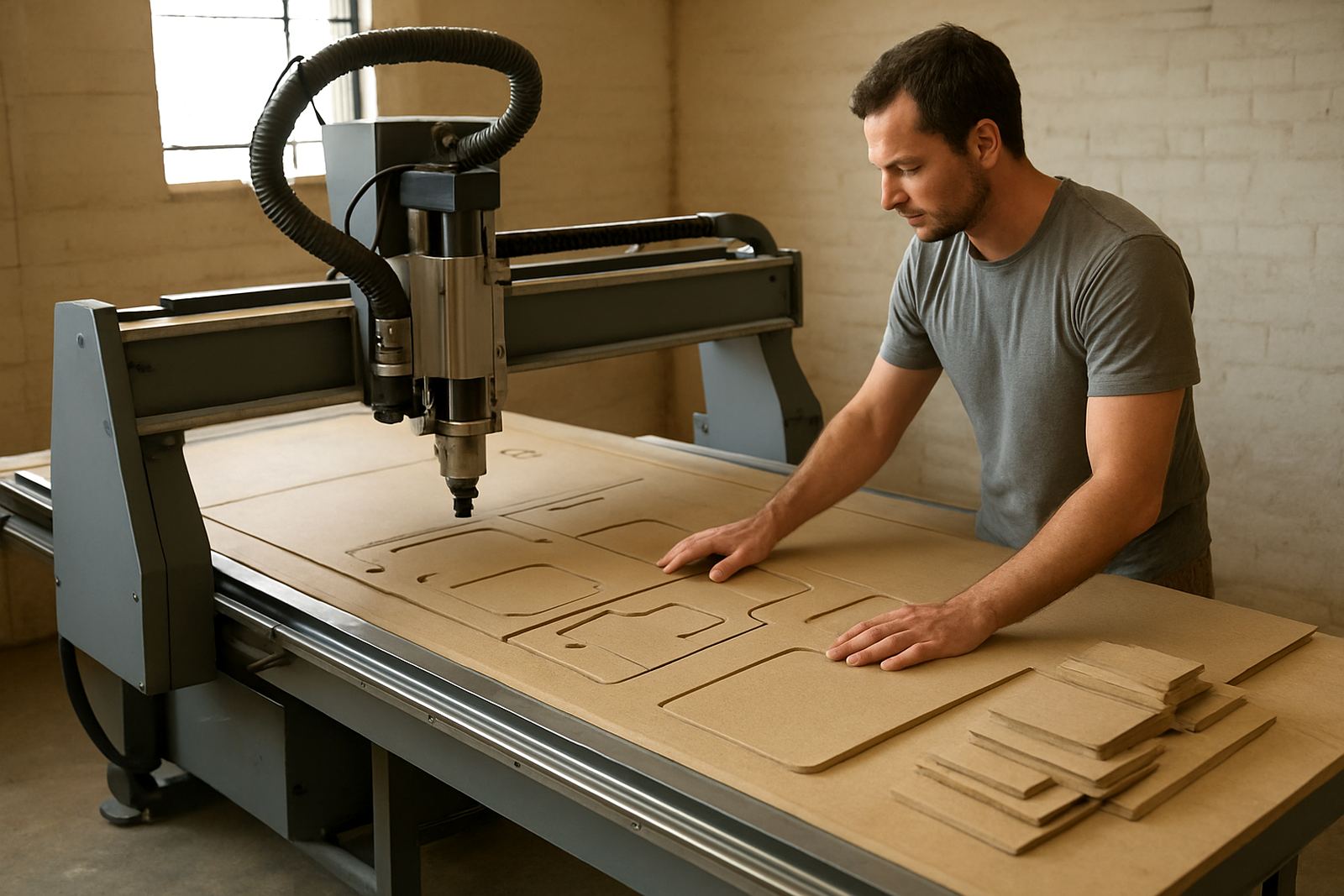
This type of machine suits fabricators who run mixed jobs and want less stop-start work. Cabinet makers use it for nesting panels, shelf parts and drill patterns. Sign shops use it for acrylic, PVC and aluminium composite cutting. Joinery teams use it for doors, moulded components and repeat parts that need the same cut every time.
It also works well for smaller production cells where one operator may need to load a sheet, start a program and keep the rest of the workshop moving. In places with load-shedding or unstable power, shops often plan around the machine with proper backup arrangements and clean shutdown routines so the controller, drives and tool data stay safe.
- Furniture and kitchen panel production
- Signage, display and acrylic cutting
- Plastic machining and lightweight composite parts
- Soft metal work such as aluminium panels and trims
Installation, power and workshop setup
Installation starts with floor space, access routes and the route for dust extraction, cable runs and sheet loading. A router with auto toolchange needs a level base, enough clearance for maintenance and a clean air supply where the tool changer uses pneumatic parts. If the workshop is in a coastal area, humidity control and corrosion aware care become more important; inland workshops often focus more on dust and voltage stability.
Power requirements depend on the spindle, vacuum system and accessories, but most shops should plan for a dedicated electrical supply, correct earthing and protection matched to local supply conditions. In some cases the vacuum pump or table system draws as much attention as the cutting unit, so the full install needs to be checked as one package, not piece by piece.
MultiCAM handles machine installation, commissioning and machine relocation across South Africa. That means setting the machine, checking motion, squaring the axes, testing tool positions and confirming the first jobs before handover.
Care, servicing and keeping tool changes reliable
Auto toolchange systems work best when the tool pockets, cones, grippers and spindle taper stay clean. Dust build-up, worn holders and loose tooling can cause time loss or poor cuts, so regular checks are worth doing before they turn into stoppages. A small issue in the tool rack can affect the whole shift.
Planned care should include preventive maintenance, spindle service, vacuum leak checks, controller backups and dust system balancing. Operators should also be trained to check tool lengths, confirm the correct offset, and inspect cutters before a long job starts. If the workshop runs hard every day, a simple weekly routine can save a lot of repair time later.
- Keep the tool rack, spindle nose and holders clean
- Check air pressure and pneumatic lines for the changer
- Back up the controller and tool table after changes
- Inspect vacuum zones and spoilboards for leaks or damage
- Replace worn cutters before quality starts drifting
What to confirm before ordering
Before ordering, it helps to be clear about the materials, sheet sizes and daily output you expect. A shop making cabinet parts all week has different needs from a sign business doing mixed short runs. The right setup depends on how often tools are changed, what tools are used, and whether the machine must also drill, engrave or profile soft metals.
Useful information to confirm includes the machine footprint, vacuum needs, power supply, compressed air availability and the type of controller your team can use comfortably. If you are relocating from an older machine, it is also worth checking whether the current dust extraction and electrical supply are suitable or need updating first.
- Material list and thickness range
- Largest sheet or board size
- Tool count needed for each job
- Available power, air and dust extraction
- Operator experience level and training needs
- Delivery access, floor space and installation timing
MultiCAM support across Johannesburg and beyond
From the Germiston base, MultiCAM supports customers in Johannesburg East, Midrand, Pretoria East, Durban North and Cape Town North, with installs and service arranged across South Africa. The team includes sales, technical, applications, service, installation and parts support so the machine is backed by people who understand workshop pressure and local conditions.
Whether the job is an entry-level router or a production cell with automation, the focus stays on practical setup, proper tooling and dependable after-sales care. For shops that need fewer manual changes and more part output, an auto toolchange router is a strong fit when it is matched properly to the work.
Key facts
| Machine type | CNC router with automatic toolchange |
|---|---|
| Typical bed sizes | 1300 x 2500 mm, 1500 x 3000 mm and custom larger formats |
| Tool capacity | Varies by configuration, usually multi-position magazine or rack |
| Materials | Wood, plastics, composites and soft metals such as aluminium |
| Utility needs | Electrical supply, compressed air and dust extraction |
| Support services | Installation, commissioning, maintenance, backups, training and tooling setup |