What a signmaking router does in a working shop
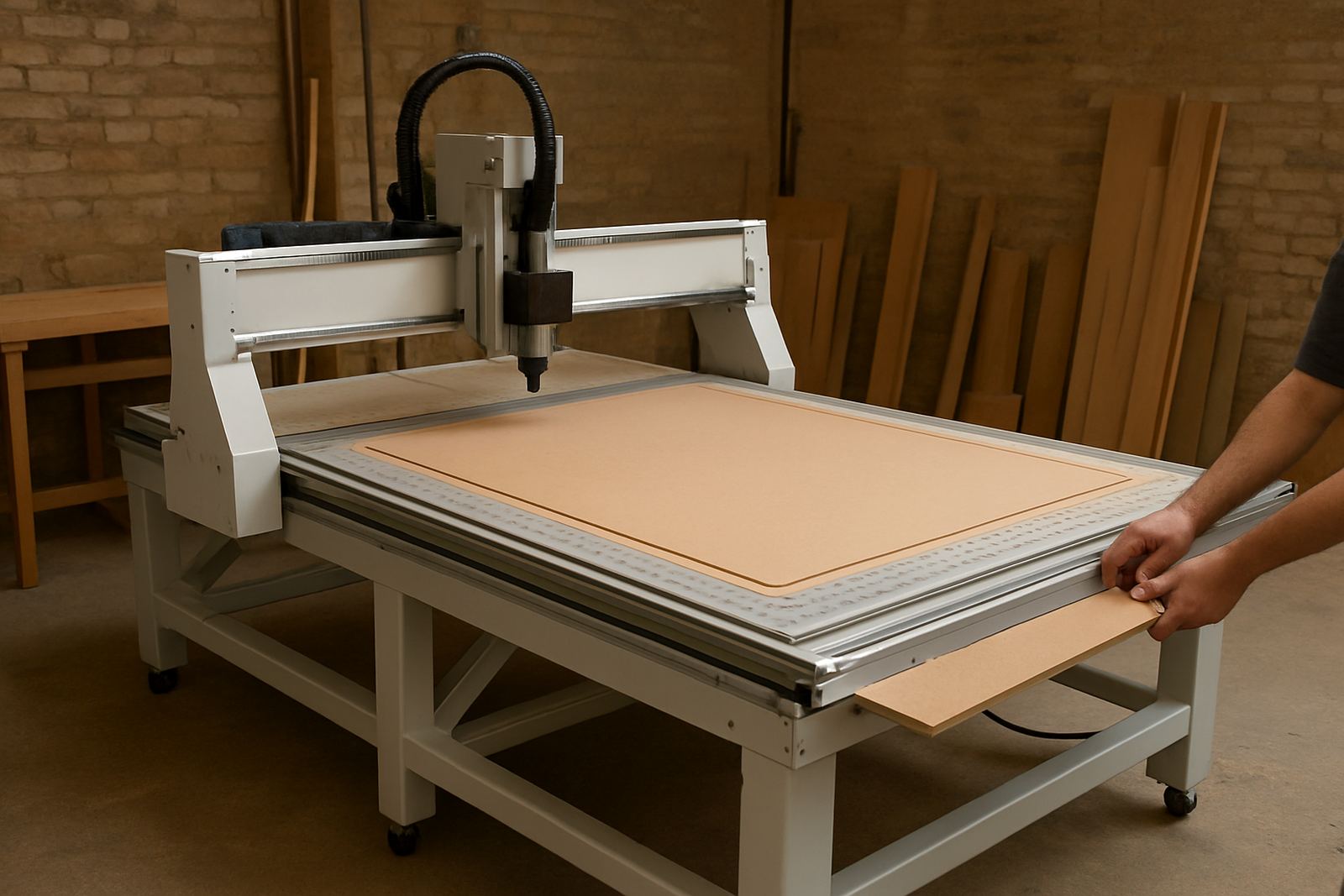
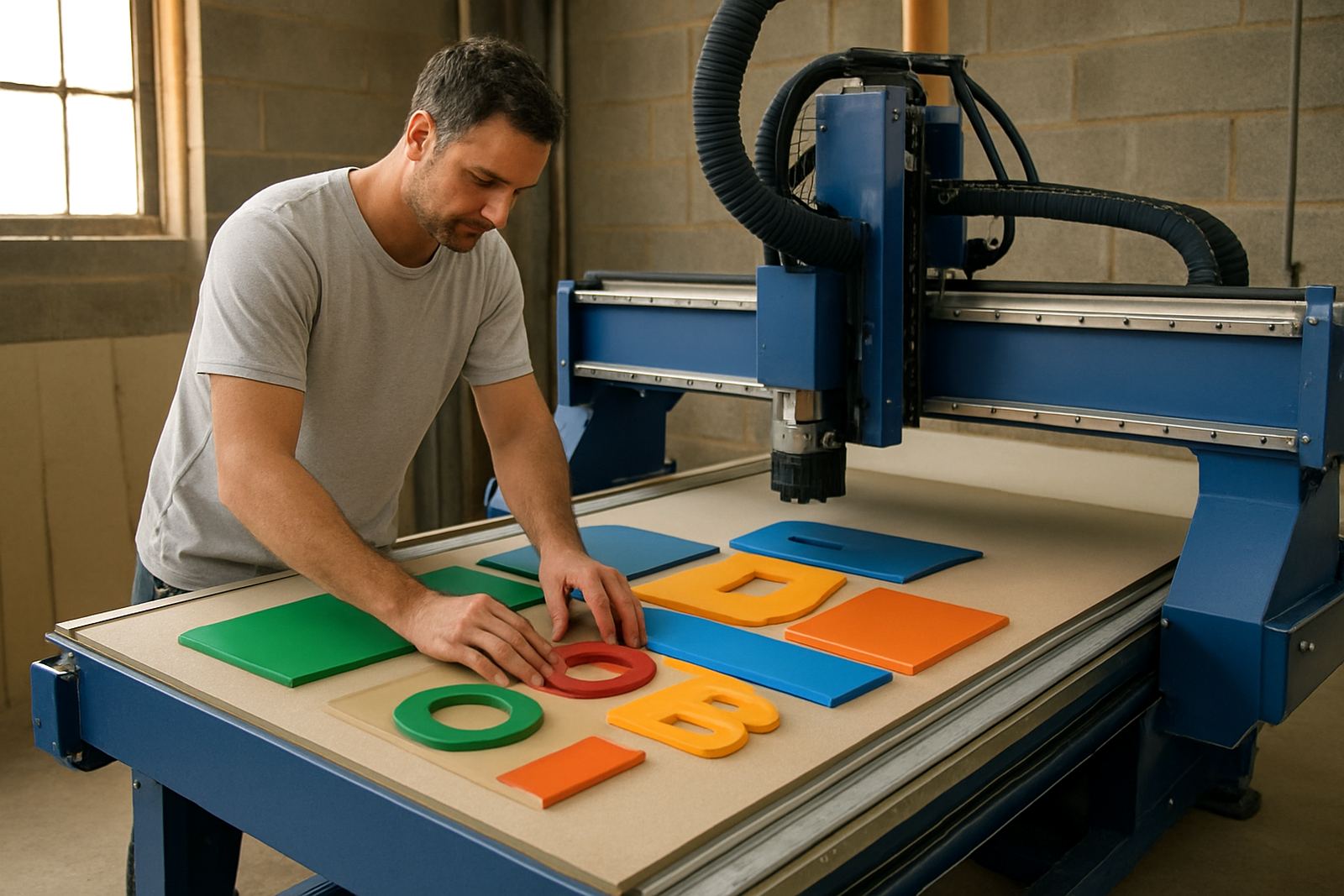
This machine is for shops that need repeatable cutting on acrylic, PVC foam board, MDF, plywood, HPL and selected non-ferrous sheet, with enough accuracy for routed letters, face panels, clamp trims and drilled fixing points. It takes artwork from drawing to finished part and is suited to sign makers who want cleaner edges, tighter nesting and less hand finishing.
In Johannesburg, Pretoria, Durban and Cape Town workshops, the difference is usually not only the cutter. It is the table size, dust control, vacuum hold-down and the way the controller handles repeats, tool changes and simple edits at the machine. That is where a signmaking router earns its keep, especially when a team has to move from one-off work to steady day-by-day production.
- Cut lettering, panel blanks and trim components
- Route pockets, rebates and drilled fixing holes
- Work with common signboard and plastic sheet sizes
- Handle nesting to reduce waste on every sheet
Sizes and options for small shops and production bays
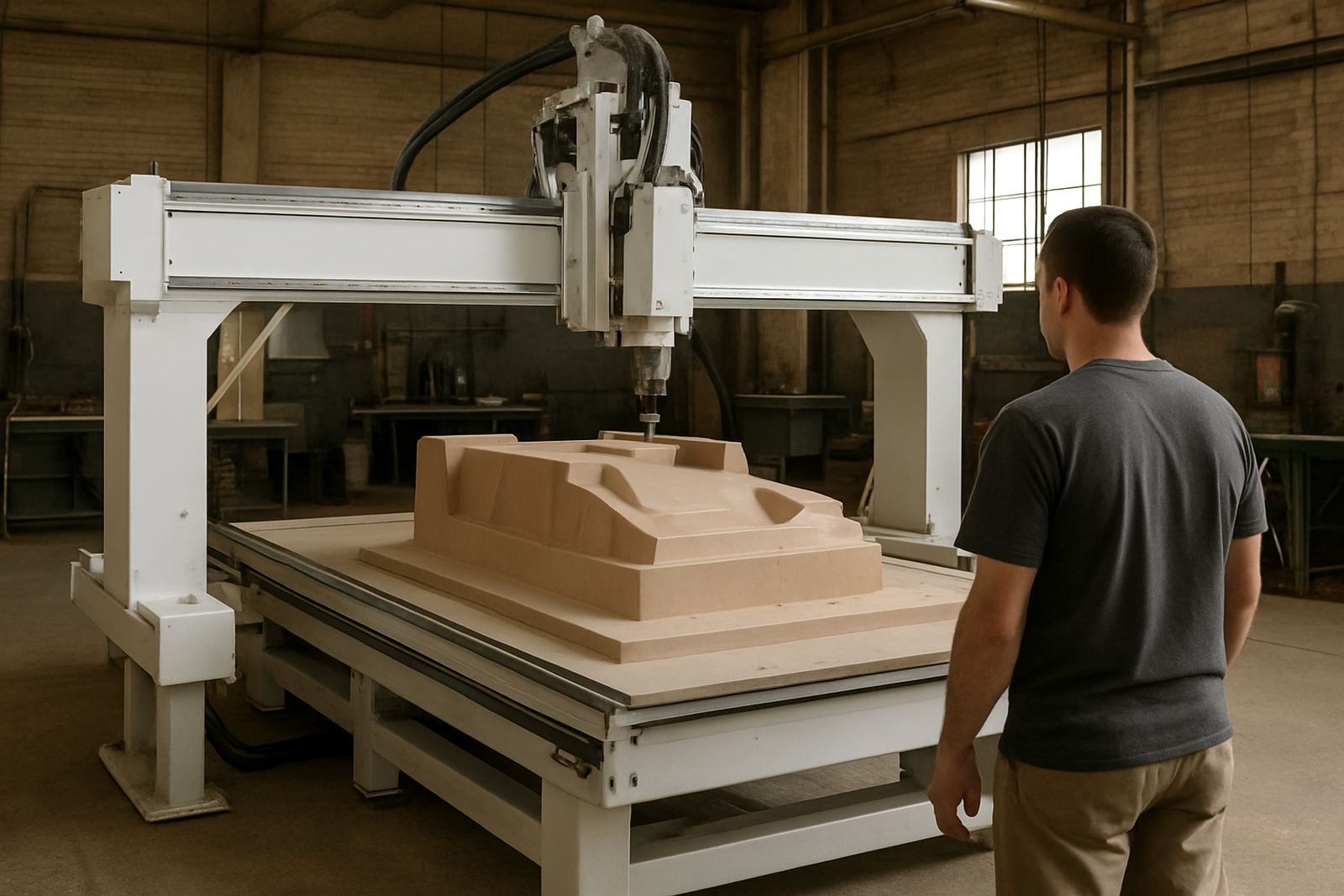
MultiCAM offers signmaking router options from entry-level tables for smaller sign rooms to larger production formats for busy fabrication teams. Common working sizes include 1300 x 2500 mm for standard sheet work, 1500 x 3000 mm for larger panels and 2000 x 3000 mm where throughput matters and full-size nesting is a daily need. The right choice depends on sheet sizes, floor space, dust extraction route and whether the machine will sit beside a laser cutter, aluminium saw or finishing bench.
Options normally include vacuum zones, spoilboard style tables, auto tool change on selected models, and spindle power suited to the material mix. Some shops only need a single router for signs and basic trim. Others want a machine that can also support joinery parts and plastic fabrication. The aim is to choose a setup that does not force the operator to fight the machine every shift.
- Table formats from compact to full sheet production
- Vacuum hold-down zones for mixed panel sizes
- Tool holders and cutters matched to material thickness
- Controller layouts that are easy for new operators to learn
Where it fits best in South African sign work
This router suits sign shops, display fabricators, furniture makers with branded items, and light industrial teams that produce shopfront letters, interior wayfinding, menu boards and promotional panels. It also suits subcontractors who receive artwork in batches and need to cut accurately without constant manual measuring. For shops near the coast, the machine can be specified with practical corrosion-aware finishes and care routines to help with humid air and salty conditions.
It is a sensible fit where municipal jobs call for neat edges, consistent dimensions and low rework. That includes school signage, estate boards, retail fit-outs, directional signs and fabricated panels that need holes to line up first time. For busy Gauteng yards and workshop spaces with dust from other processes, proper extraction and daily cleaning make a noticeable difference to finish quality and machine life.
- Retail and shopfront lettering
- Wayfinding and directional panels
- Display stands and point-of-sale parts
- Light fabrication and furniture component work
Installation, power and workshop requirements
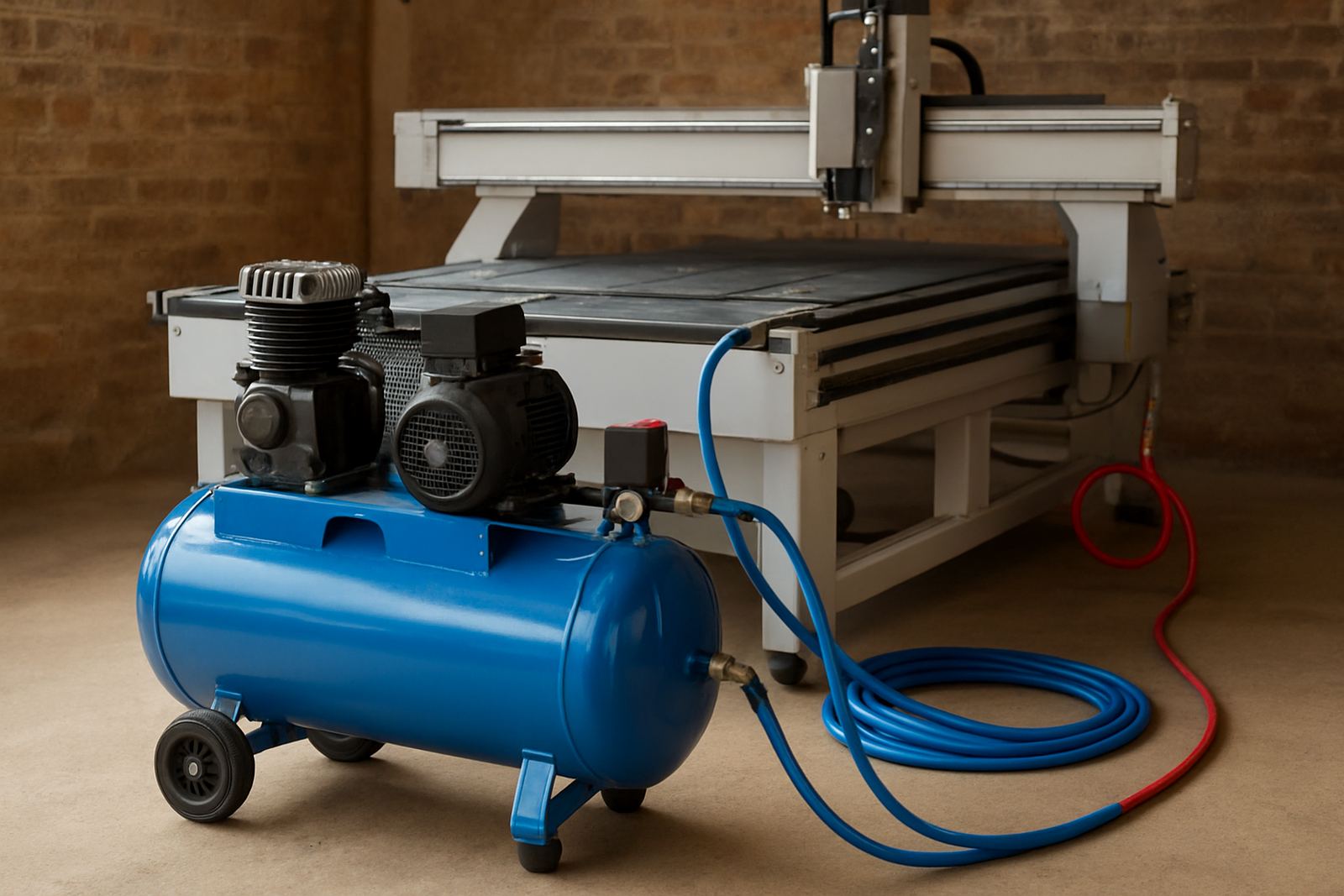
Before ordering, check the floor space, access for delivery and the power available in the workshop. Many signmaking routers run on a 3-phase supply, while some smaller machines can be arranged for single-phase depending on the specification. The final choice should match your current electrical setup, not the other way around. Where compressors or vacuums are part of the system, those loads need to be allowed for as well.
A level floor, good dust extraction, stable internet or file transfer method, and room for loading sheets matter just as much as the machine itself. MultiCAM supports machine installation, commissioning and relocation, so the table, vacuum and controller are set up properly from the start. We also advise on dust system balancing and controller backups, because a hard stop from a power issue or software fault can cost a full day if the setup is not planned well.
- Allow space for sheet loading and finished parts
- Confirm electrical supply and breaker capacity
- Plan dust extraction and vacuum routing early
- Check door widths, crane access or forklift access for delivery
Tooling, care and servicing that keep jobs on track
Good cutting starts with the correct tool for the board, plastic or soft metal in front of you. Downcut, upcut and compression cutters all have their place, and feed speed needs to suit spindle speed and material thickness. A blunt cutter can chip edges, burn corners and pull sheets out of square, so tooling checks should be part of daily opening up.
Routine care also matters. Clean the table, inspect vacuum leaks, back up the controller, check spindle noise and keep rails free of dust build-up. In workshops that run long shifts, preventive maintenance is cheaper than waiting for a breakdown on a Friday afternoon. MultiCAM offers preventive maintenance, spindle service, vacuum leak checks, controller backups and operator training so the machine stays predictable.
- Inspect cutters before each shift
- Keep dust extraction working properly
- Back up controller files and part settings
- Schedule service before wear becomes downtime
What to verify before placing your order
When ordering a signmaking router, have the sheet sizes, material list, daily output target and operator experience level ready. It is also worth checking if you need nesting from full sheets, a knife option, automatic tool change, or a larger vacuum pump for porous board. If the team is new to CNC, a straightforward controller and proper training often matter more than extra options.
For South African workshops, practical details count. Ask about lead times for consumables, availability of spare parts, local service response and whether the machine can be supported in your area. MultiCAM works from Germiston and supports Johannesburg East, Midrand, Pretoria East, Durban North and Cape Town North, with installs across the country. That helps keep setup, servicing and tooling advice close to the workshop that needs it.
- Sheet sizes and material list
- Required output per day or week
- Need for auto tool change or vacuum zoning
- Power supply, dust extraction and floor space
Key facts
| Product type | CNC signmaking router for cutting and nesting |
|---|---|
| Working sizes | Compact tables to 1300 x 2500 mm, 1500 x 3000 mm and 2000 x 3000 mm options |
| Materials | MDF, plywood, acrylic, PVC foam board, HPL and selected soft metals |
| Power supply | Single-phase or 3-phase depending on machine specification |
| Typical uses | Letters, panels, trim parts, display work and routed fixing holes |
| Support | Installation, commissioning, maintenance, training and tooling setup |