Start with the machine spec, not the guesswork
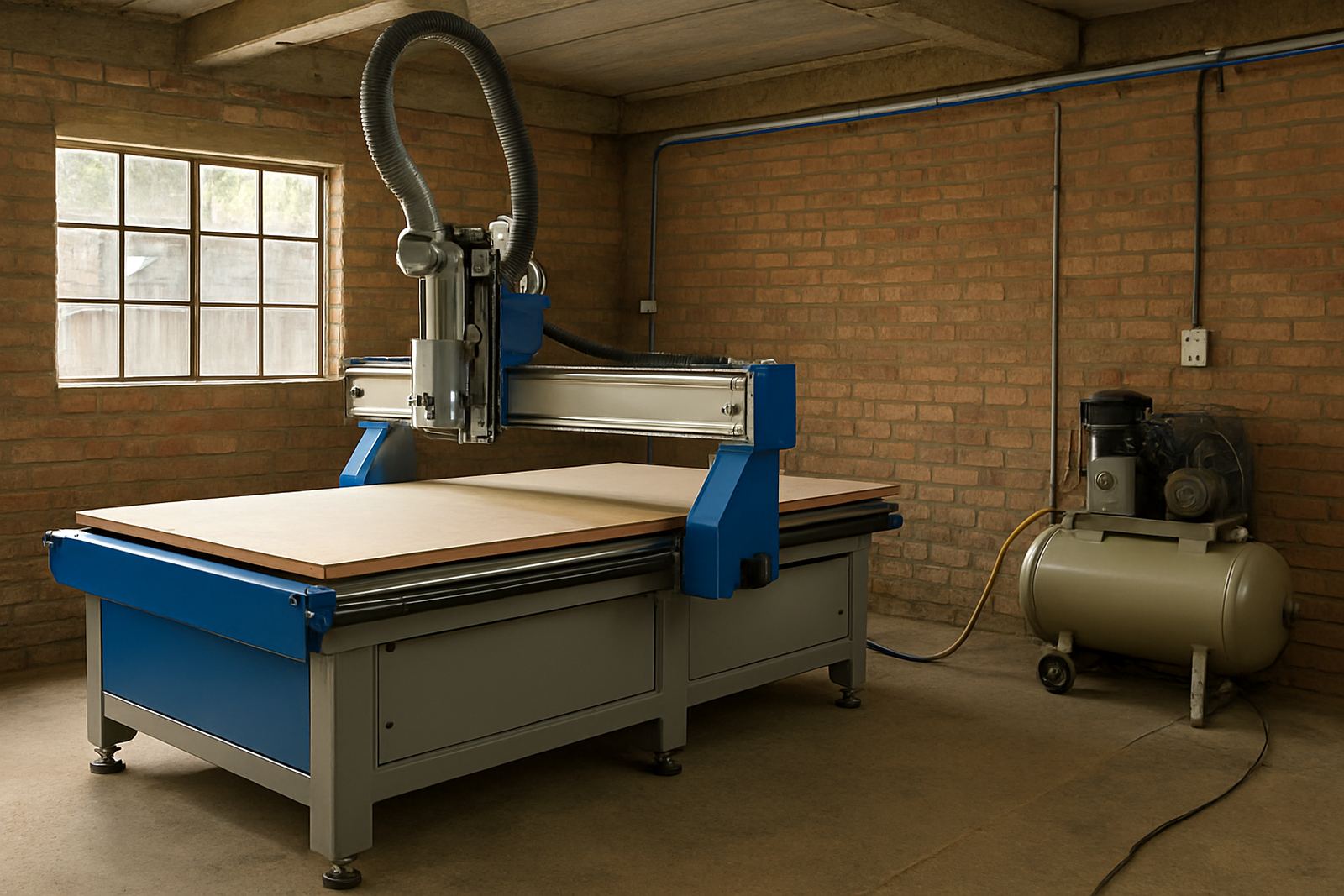
Every CNC router installation starts with the actual machine size, spindle load and extraction needs. Do not assume a single phase outlet will do, or that the old compressor in the corner can handle a new production line. Check the incoming supply, breaker size and cable route against the machine data before the delivery truck arrives.
In many Johannesburg and Germiston workshops, the main issue is not the machine itself but the building supply. Older units may have voltage drop, limited spare capacity or shared circuits that trip when welders, compressors and dust systems all run at once. If the power side is not clear, commissioning slows down and the first test cuts become a troubleshooting exercise.
- Confirm the machine voltage and phase requirement in writing.
- Check the main board, isolator position and available breaker capacity.
- Measure the route from supply point to machine position.
- Make sure the floor area allows safe access to the electrical panel.
Air supply matters more than people think
If the machine uses pneumatic clamps, automatic tool change or air blast, the compressor must deliver clean dry air at the right pressure. Workshops often check only tank size, but not flow rate or moisture. That leads to weak clamping, water in the lines and tools that do not perform as expected.
Coastal workshops in Durban North and Cape Town North must take humidity seriously. Water in the air line can shorten valve life and cause unreliable operation, especially in winter or after a cold night. A proper dryer, drains and filter set up help more than running the compressor harder. The aim is stable pressure at the point of use, not just a big machine in the corner.
- Test air pressure at the machine connection, not only at the compressor.
- Check for water traps, filters and working drains.
- Inspect hose size and length so pressure drop stays low.
- Keep the line layout simple and label the supply point clearly.
Plan the cable route and isolator position early
The safest install is the one with a clear cable path and a proper isolator where technicians can reach it quickly. Do not leave this until the day before delivery. If power has to cross a walkway or pass near a forklift route, it needs protection and a neat finish. Loose extension leads are not a solution and can become a hazard during daily production.
A well placed isolator also helps during servicing and emergency stops. If a controller needs a backup, a spindle service is due or a vacuum leak check needs to be done, the technician should not be hunting for the main switch. In a busy shop, good access saves time every week, not just on install day.
- Place the isolator within easy reach of the operator area.
- Keep cables off walkways, doors and pallet routes.
- Allow space for service access behind and beside the machine.
- Use proper cable protection where traffic cannot be avoided.
Make room for loading, lifting and final positioning
A machine can only be installed if the access route is wide enough and the floor is ready. Measure gates, roller doors, corners and low beams before delivery. If the route includes ramps, shared yards or uneven paving, that must be factored in early. The machine may be ready, but if the forklift cannot turn or the pallet jack cannot clear a step, the job stalls.
At one Germiston base workshop, the team had the machine site prepared but forgot about a narrow internal doorway. The unit had to be paused at the entrance while shelving was moved and a cable tray removed. It was fixable, but it cost half a day. A quick walk through with the installation team would have caught it before the truck arrived.
- Measure every doorway, gate and turning point.
- Check floor level, door swing and ceiling height.
- Clear material stacks, offcuts and loose equipment from the route.
- Identify where the machine will be parked if final positioning has to wait.
Set the dust extraction and vacuum points before the first cut
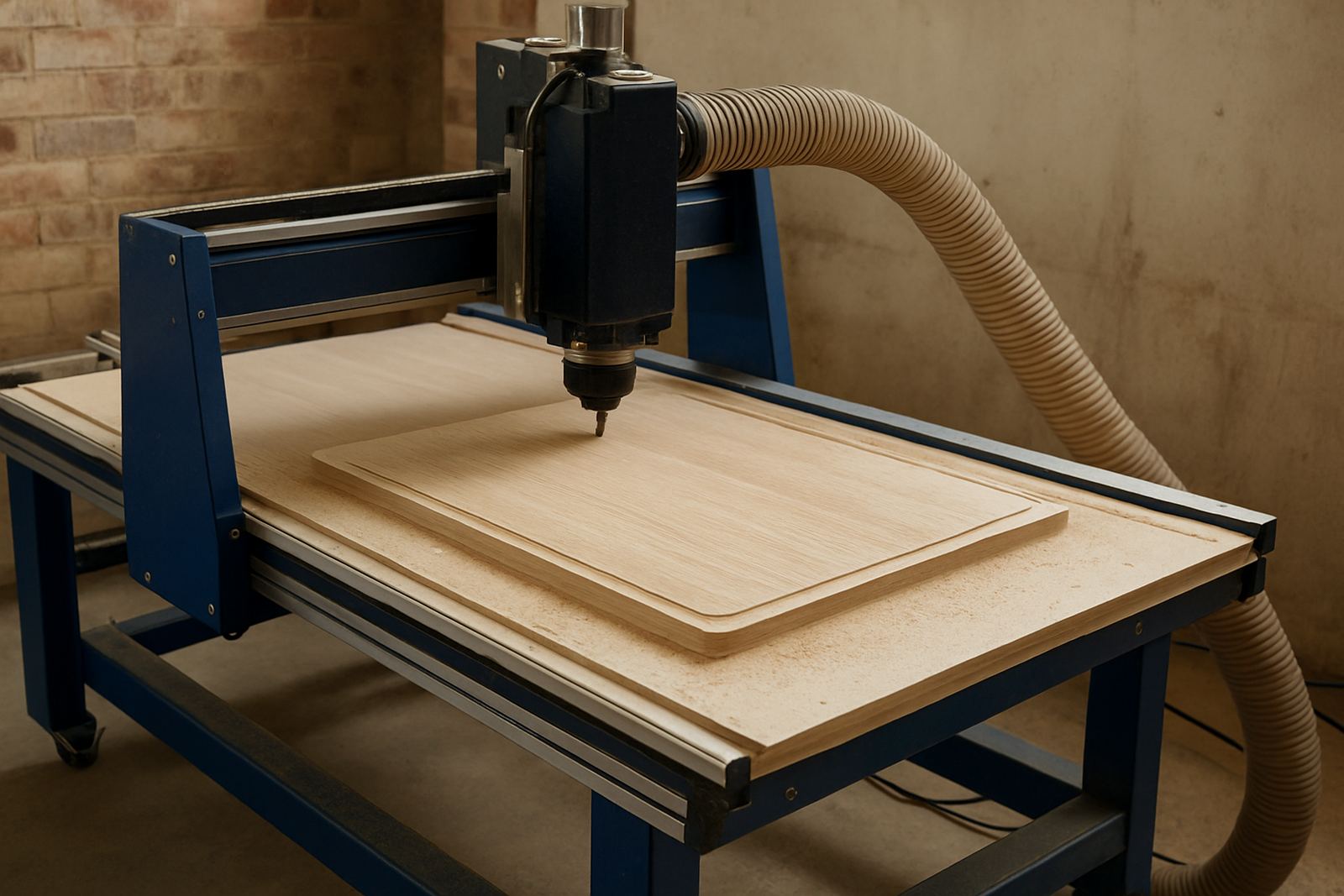
Cutting timber, board products and plastics creates dust that must be removed properly. The dust system should be matched to the cutter size, table layout and daily workload. If the extraction point is too far away or the ducting is undersized, chips will collect around the table and operators will spend extra time cleaning rather than producing.
Vacuum tables also need attention. A leak around a hose, gasket or zone valve can reduce hold down force and spoil nesting accuracy. Before install day, check that the vacuum line is complete and that the dust and vacuum systems do not fight each other. A balanced setup means fewer stops and better parts off the table.
- Confirm duct sizes and connection points in advance.
- Check that filters, bags and bins have enough capacity.
- Seal obvious air leaks around pipe joins and fittings.
- Keep the vacuum and dust system layouts easy to service.
Use the last day before install for the practical details
The final checklist is usually the one that saves the most time. Put the machine location on the floor, confirm the delivery route, mark the power point and air point, and make sure the team knows who will be on site. Training works better when the workshop is ready, because operators can focus on controls, tooling setup and safe loading rather than waiting for another contractor to arrive.
MultiCAM supports workshops across South Africa with machine installation, commissioning, operator training and machine relocation. That support works best when the site is prepared and the basics are in place. A few small checks before install day help the machine start earning sooner, with fewer surprises for the production team.
- Put names to each task so nothing gets assumed.
- Keep the sales contact, technical lead and service contact on one sheet.
- Photograph the power board, air point and access route before install day.
- Leave the area clear for the first test cut and operator handover.