Why a proper fault note saves time on site
A CNC router seldom fails in a way that tells the full story at first glance. A motor trip, poor cut quality or vacuum loss can come from tooling, software settings, power supply issues or a simple air leak, so the first note from the workshop matters more than many teams realise.
When a call is logged with the right detail, the support team can prepare the right metre, spare sensor, collet, hose fittings or controller backup before leaving Germiston or one of the branch areas. That means less waiting around the machine and fewer repeat visits for the same fault.
For busy South African workshops, this is not only about speed. It also helps with load-shedding planning, after-hours access and making sure the job is safe to attend when the team arrives.
What to include in the first service note
Keep the note short but specific. A few clean lines written while the fault is fresh usually do more good than a long message sent two days later. The aim is to let the technician understand what changed, when it changed and what the machine was doing at the time.
- Machine model and table size
- Alarm code or message on the controller
- Material being cut, such as MDF, acrylic, PVC foam board or aluminium
- Tool diameter, spindle speed and feed rate if known
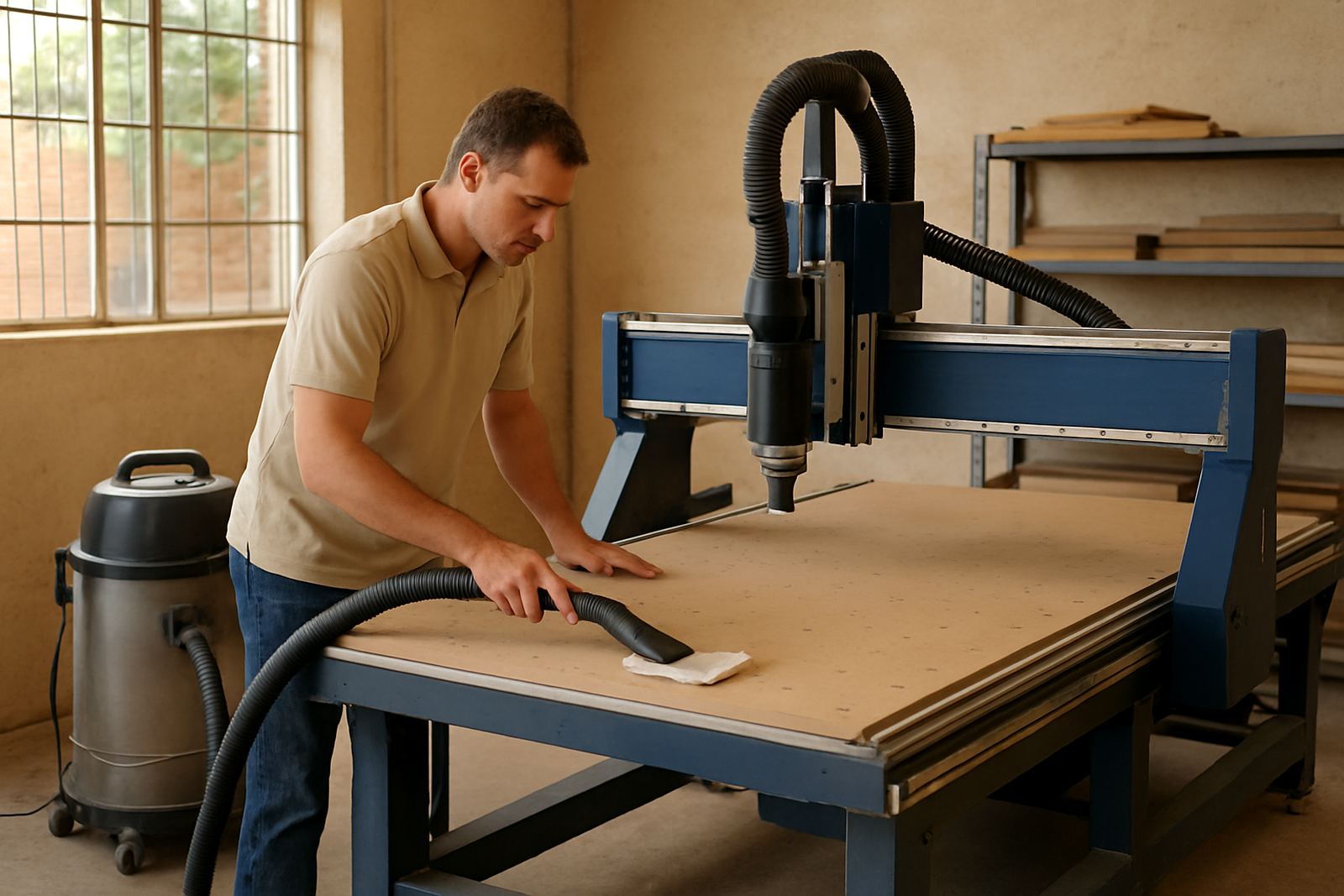
- Whether dust extraction and vacuum hold-down were active
- Any power cuts, brownouts or generator changeovers
- Photos of the control screen, damaged tooling or cut quality
If the issue only happens on one shift or one operator profile, include that too. It can point straight to a setup problem instead of a mechanical fault.
The fault details that help a technician arrive ready
Some notes matter more than others because they shape the first checks on site. For example, if a shop says the router is leaving chatter marks on pine or squeal on aluminium, the team may bring tooling options and check spindle runout, collet wear and feed rates first. If the vacuum is weak on one area of the table, the focus shifts to seals, leak points and zone valves.
Be ready to mention how the fault sounds, smells or behaves. A regular trip can be electrical, while a burning smell may point to a motor overload or tooling problem. If the problem started after a machine move, new installation or controller backup, say so clearly.
- Noise, smell, vibration or movement that was not there before
- Which axis or tool path failed first
- Whether the problem happens at startup, during cutting, or when homing
- Any recent tool changes, spindle service or dust system work
- Whether the issue repeats on a second file
How to describe cut quality without guesswork
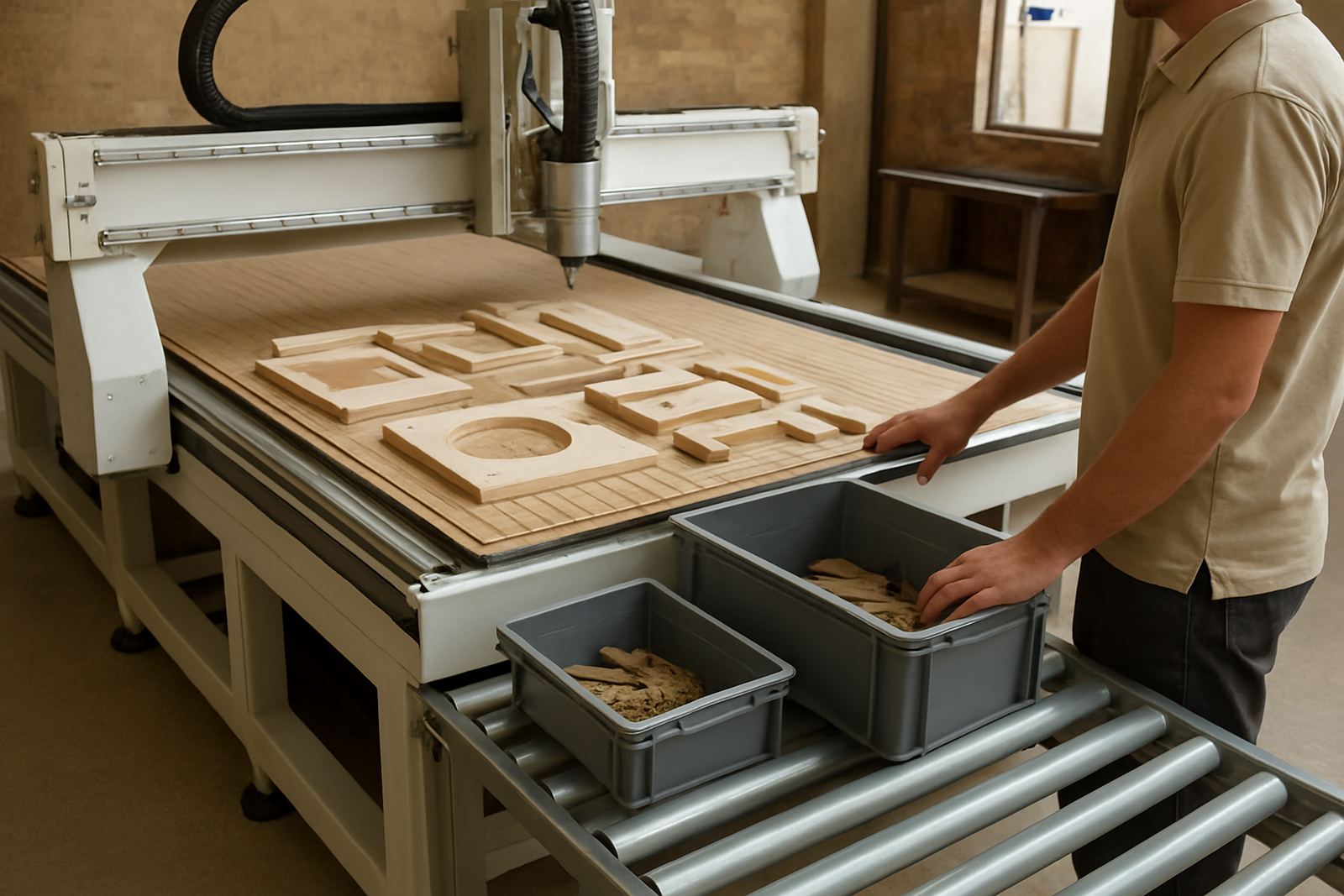
Many calls are really about finish quality. The workshop may see taper, rough edges, a burnt edge or parts coming out a millimetre off size. Those symptoms are useful, but only if they are tied to the job that failed. The more exact the note, the faster the support team can narrow the cause.
Instead of saying the machine cuts badly, say the first pass is correct but the finish pass leaves a step on the left side, or that the nesting file is short on one row after the machine has run for ten minutes. That sort of note points to machine calibration, software settings, mechanical wear or a heat related drift issue.
If there are drawings, nest files or tool lists used for the job, keep them ready. A technician does not need a full design review, only enough detail to see what the machine was asked to do.
A Germiston callout example from a busy workshop
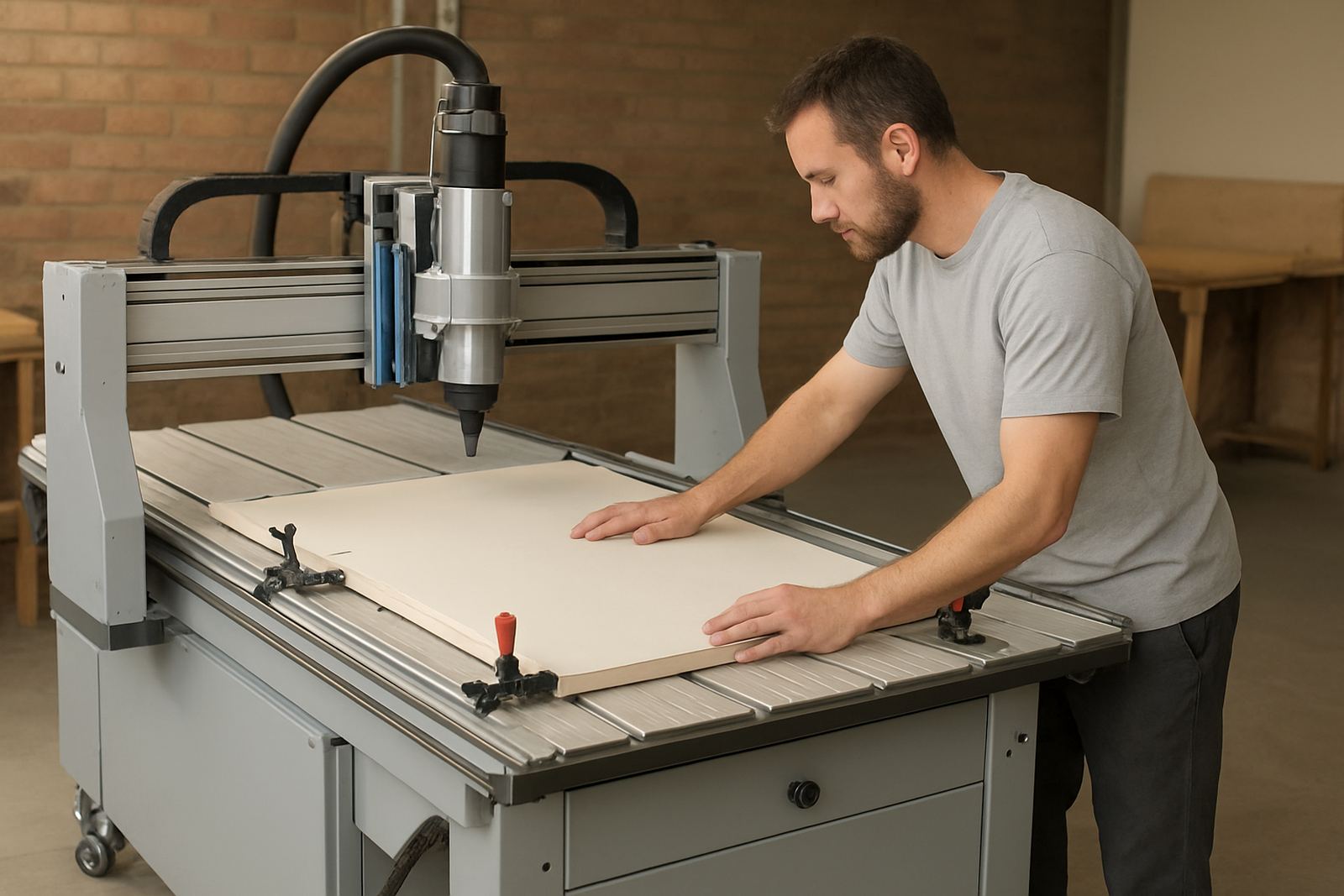
A furniture maker in Germiston calls on a Friday afternoon after a plywood sheet shifts during a long nest, then the machine throws a vacuum warning. The note says the problem started after lunch, the front left zone is weak, and the issue is worse when the machine runs on a batch of smaller parts. It also mentions a recent hose change and a power interruption earlier in the week.
That single note gives the support team a strong starting point. They can bring seal material, leak checking gear, spare fittings and controller backup media if needed. On arrival they know to test the vacuum zones first, then confirm table balance, controller history and the condition of the hoses. The visit starts with the likely fault, not a full day of guesswork.
In Gauteng workshops, where production windows are tight and many teams work around utility interruptions, this kind of note can save a full shift. It also helps the office decide if the machine needs an on site fix or a return visit for a deeper repair.
Simple habits that make every service call easier
Good service notes are a workshop habit, not a once off task. The best teams keep a small record near the machine and update it each time something changes. That record should capture the fault, the file name, the operator and the fix, even when the issue seems minor at the time.
- Record the date and time of the fault
- Note the material, tooling and machine settings used
- Save screenshots of alarms before clearing them
- Keep backup copies of controller data and important files
- Write down what happened after the fix, not only before it
It also helps to train operators to stop the machine early and report what they see, rather than pushing through a bad cut. A short, honest note usually gives better results than a long story with missing facts. That is especially true when the workshop is dealing with multiple jobs, shared staff and changing power conditions.