What this entry nesting router is built to do
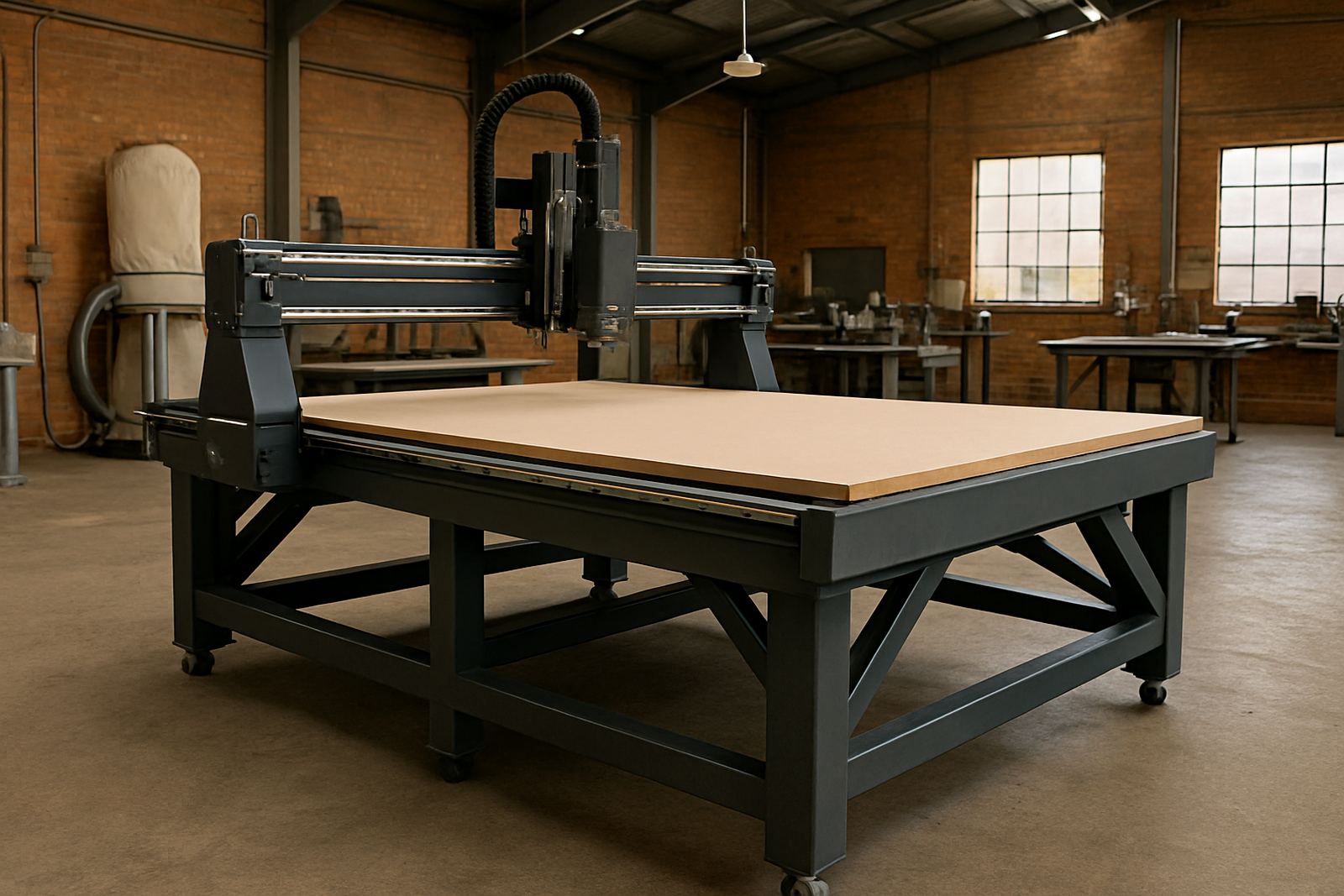
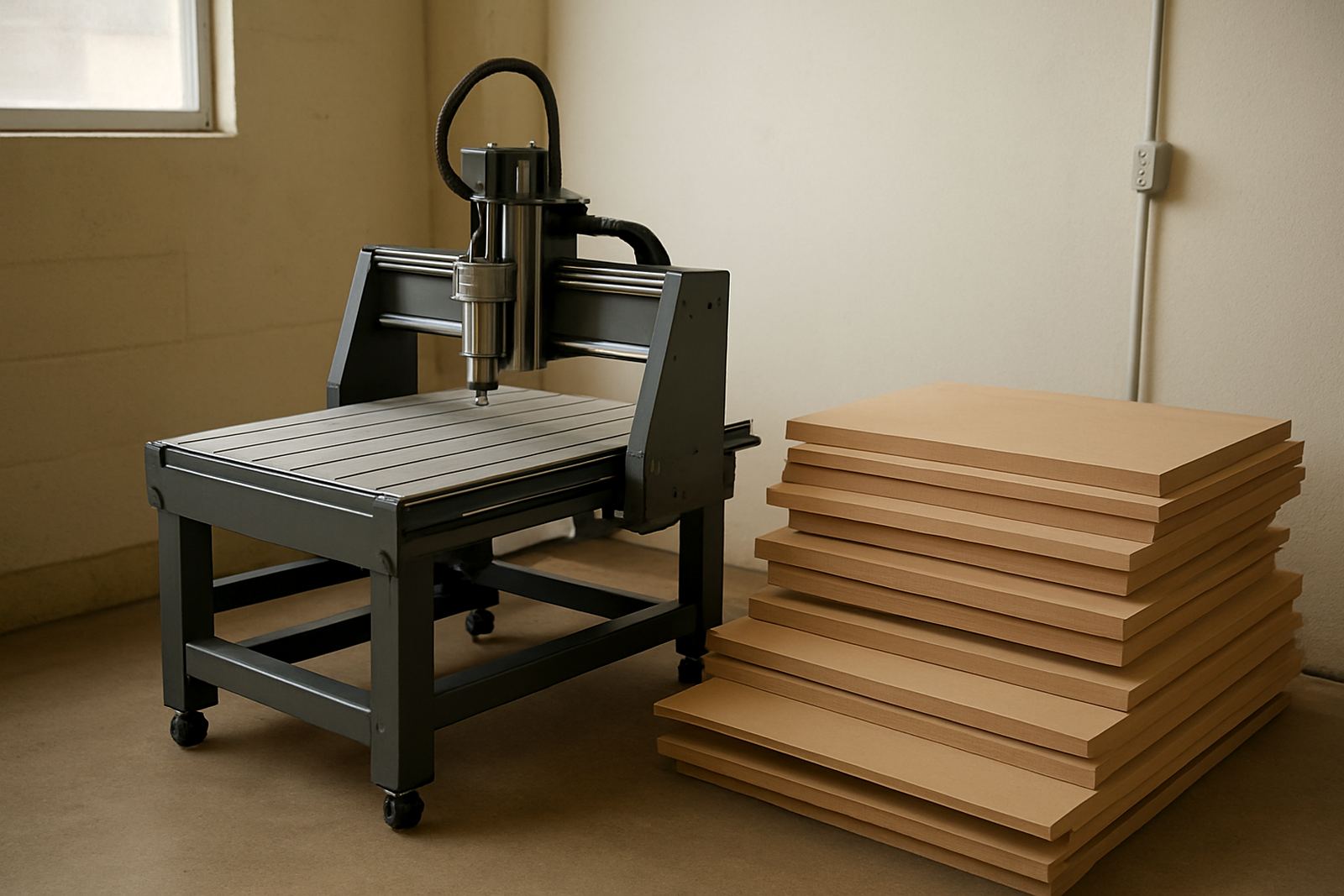
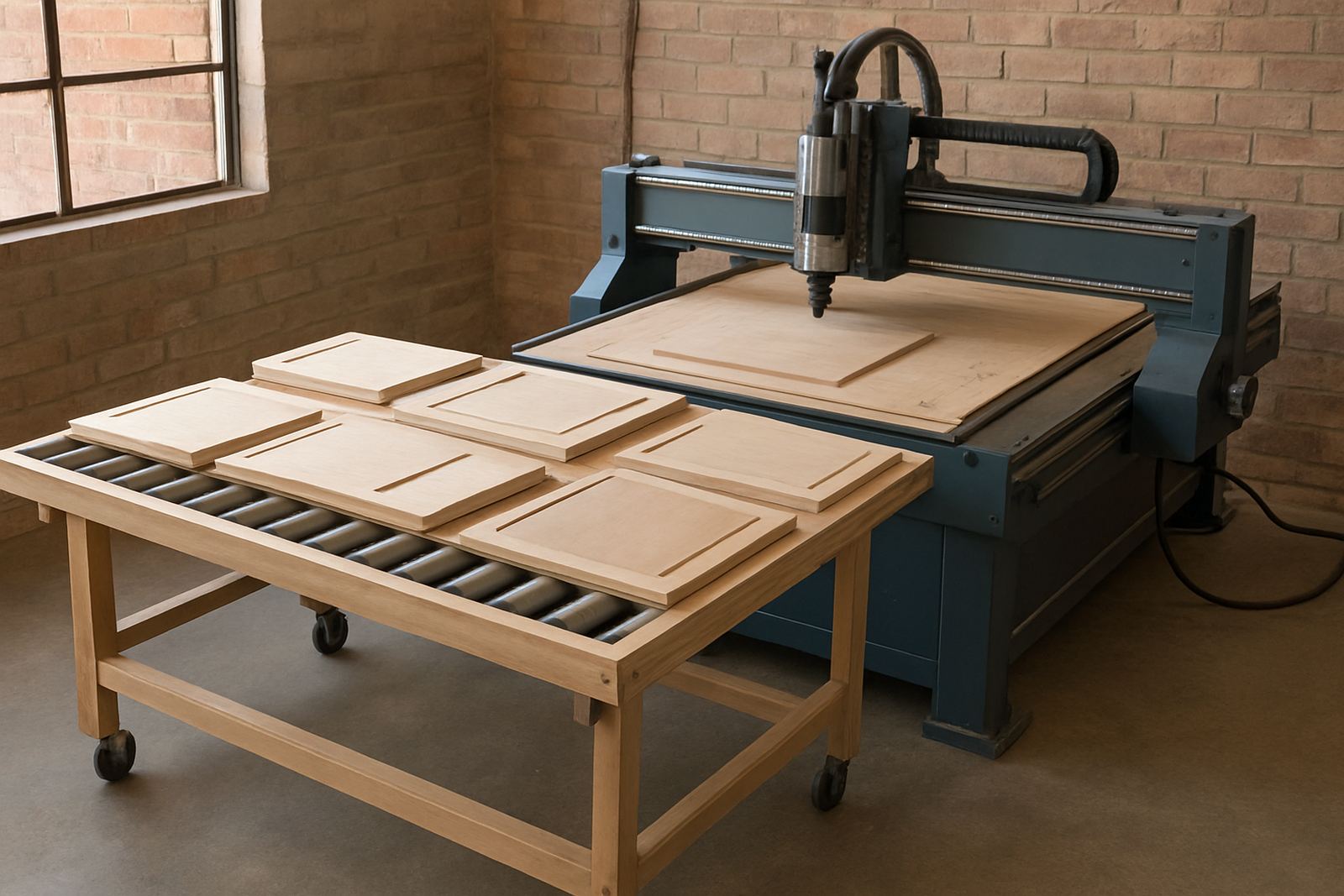
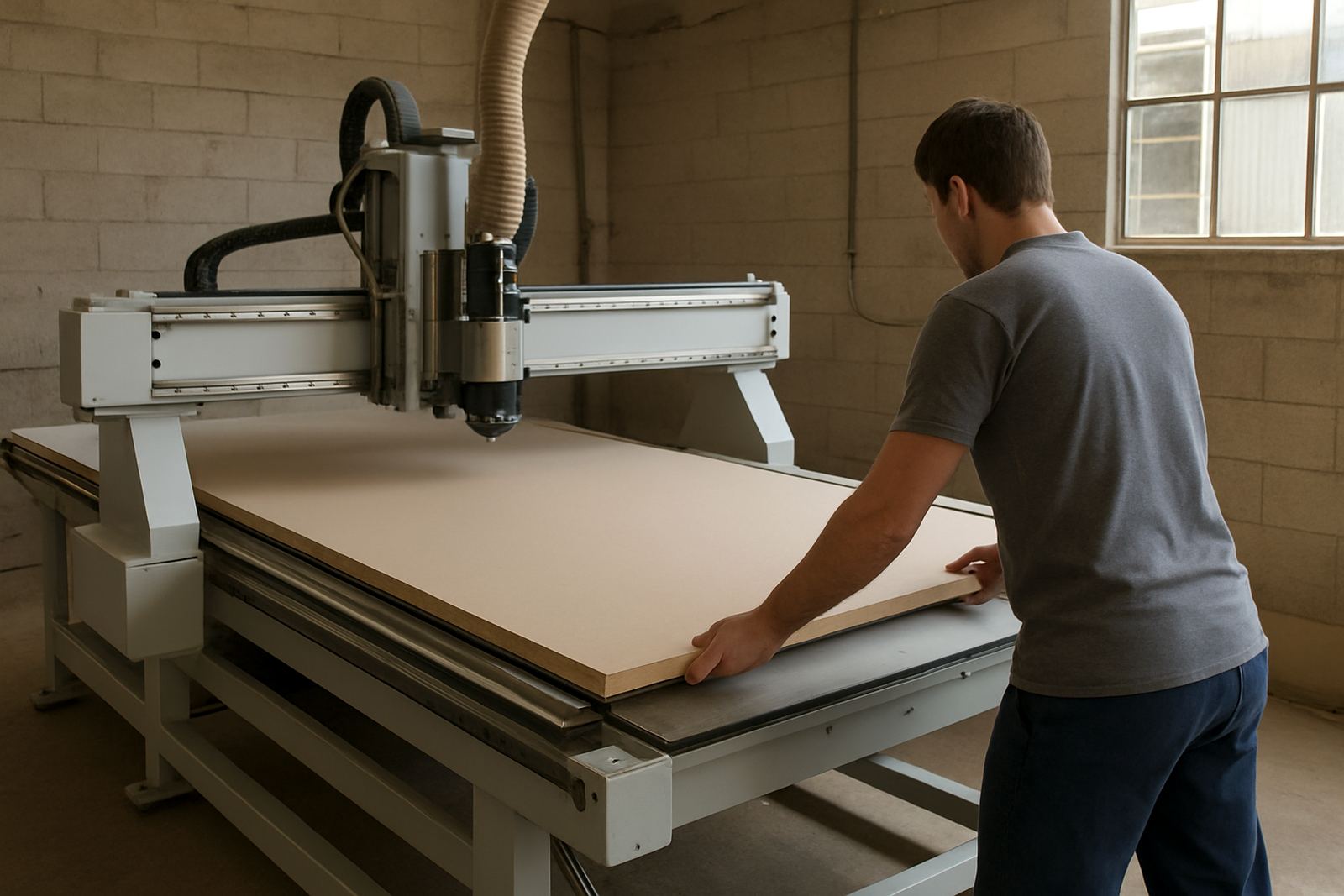
An entry nesting router cuts sheet material into parts straight from your drawing, then pockets, drills and trims panels on one machine. It is aimed at first-time nesting users who want a sensible step up from hand routing or manual panel cutting, without taking on a complicated production cell. For a small to medium workshop, that means cleaner repeatability and less rework on cabinet parts, shelves, doors and signage blanks.
On the shop floor it is usually used for melamine board, MDF, plywood, compact laminate and many plastics. With the right spindle speed, tooling and dust extraction, it can also handle soft aluminium work in lighter duty runs. The point is steady cutting and predictable nesting, not over-spec’d speed for its own sake.
Sizes and options that matter in a real workshop
Most buyers start by matching the machine to sheet size and floor space. Common working areas are based around full sheet nesting, with enough room to load, align and unload without blocking the aisle. If your workshop works from standard 2 440 x 1 220 mm sheets, that is the first measure to confirm. If you cut oversized panels or want larger batch capacity, a bigger table saves time but needs more floor space and better handling.
Options normally include vacuum table style, pump sizing, spindle power, tool changer setup and whether you want a fixed table or a more production-ready loading arrangement. In humid coastal conditions, a good vacuum setup and proper dust control matter even more because moisture and fine dust can affect hold-down and finish quality.
- Working area matched to standard sheet sizes
- Vacuum table options for reliable hold-down
- Spindle and tooling choices based on material type
- Controller and software setup for easier day-to-day use
Where the machine suits best
This machine suits cabinetmakers, furniture shops, shopfitting teams, sign shops and panel-based manufacturers who need consistent parts with less manual layout. It is also a practical choice for businesses moving from outsourced cutting to in-house control, especially where turnaround time is tight and the team needs to keep jobs moving.
In Johannesburg, Germiston, Pretoria East and Midrand, many workshops need a machine that can deal with dust, load-shedding and mixed workloads in one day. On the coast, Durban North and Cape Town North buyers often ask for better protection against humidity and a setup that is easier to keep clean. If your team handles one-off joinery in the morning and repeat cabinet runs in the afternoon, an entry nesting router gives a useful balance.
- Cabinet shops doing melamine carcasses and doors
- Furniture makers cutting panels and components
- Sign fabricators working with plastics and board
- Light production teams wanting better repeatability
Installation, power and workshop prep
Before installation, check the floor is level, the access route can take the machine and there is enough space for sheet loading and dust extraction. A proper installation should include machine positioning, levelling, connection checks, controller backup and operator walk-through. If the machine is relocated later, plan for re-levelling and a fresh vacuum and dust system check, because small movement can affect cut quality.
Power requirements depend on the final machine size and vacuum arrangement, but buyers should allow for three-phase supply in many workshop settings. Stable supply is important, so if your area has frequent interruptions or poor municipal voltage, it is worth planning backup power for the control system and safe shutdown. We also check dust system balancing and vacuum leaks on install because poor extraction can show up quickly as burn marks, poor cut edges or boards moving on the table.
- Level floor and clear access for delivery
- Three-phase supply is commonly needed
- Allow space for dust extraction and panel handling
- Plan for power interruptions and safe shutdowns
Cut quality, tooling and daily care
Good results depend on the full setup, not just the machine itself. The right cutter, feed rate and spindle speed can make a large difference to edge finish, especially on laminated board and plastics. For first-time users, practical tooling notes matter because a sharp tool in the wrong holder, or the wrong feed for a dense board, can waste material fast and leave the crew guessing.
Daily care is simple but must be done properly. Keep the table clean, check vacuum zones, inspect tooling, blow out dust from the right places and back up the controller settings. Spindle service and preventive maintenance should be scheduled before problems build up. A workshop that runs every day should also keep a small tool log, because one missed change can cause a string of bad parts before anyone notices.
- Use the correct tooling for each material
- Clean the table and vacuum zones daily
- Back up controller settings regularly
- Schedule spindle service and preventive maintenance
What to check before you order
Before placing an order, confirm the materials you cut, the sheet sizes you use, the daily volume and whether your team needs automatic tool change or can work with a simpler setup. Also check if you need loading help, a dust system upgrade or operator training at handover. These details decide whether the machine will suit your workflow on day one or cause delays later.
Ask for a clear layout of your available floor space, power supply and dust extraction route. If the workshop is in an area with load-shedding or frequent voltage dips, mention that early so the control and shutdown plan can be set correctly. It saves time, and it saves boards too.
- Sheet sizes and material types
- Daily volume and peak production hours
- Need for tool change, training or loading support
- Space, power supply and dust extraction details
Key facts
| Machine type | Entry nesting router for sheet cutting and panel processing |
|---|---|
| Common work size | Configured around full sheet nesting, with size options to suit workshop layout |
| Materials | Melamine board, MDF, plywood, plastics and selected soft metals |
| Main functions | Nesting, profiling, pocketing, drilling and part trimming |
| Power needs | Typically three-phase supply, final requirement depends on table and vacuum setup |
| Support services | Installation, commissioning, maintenance, spindle service, backups, training and tooling setup |