Tooling matched to the material on your machine
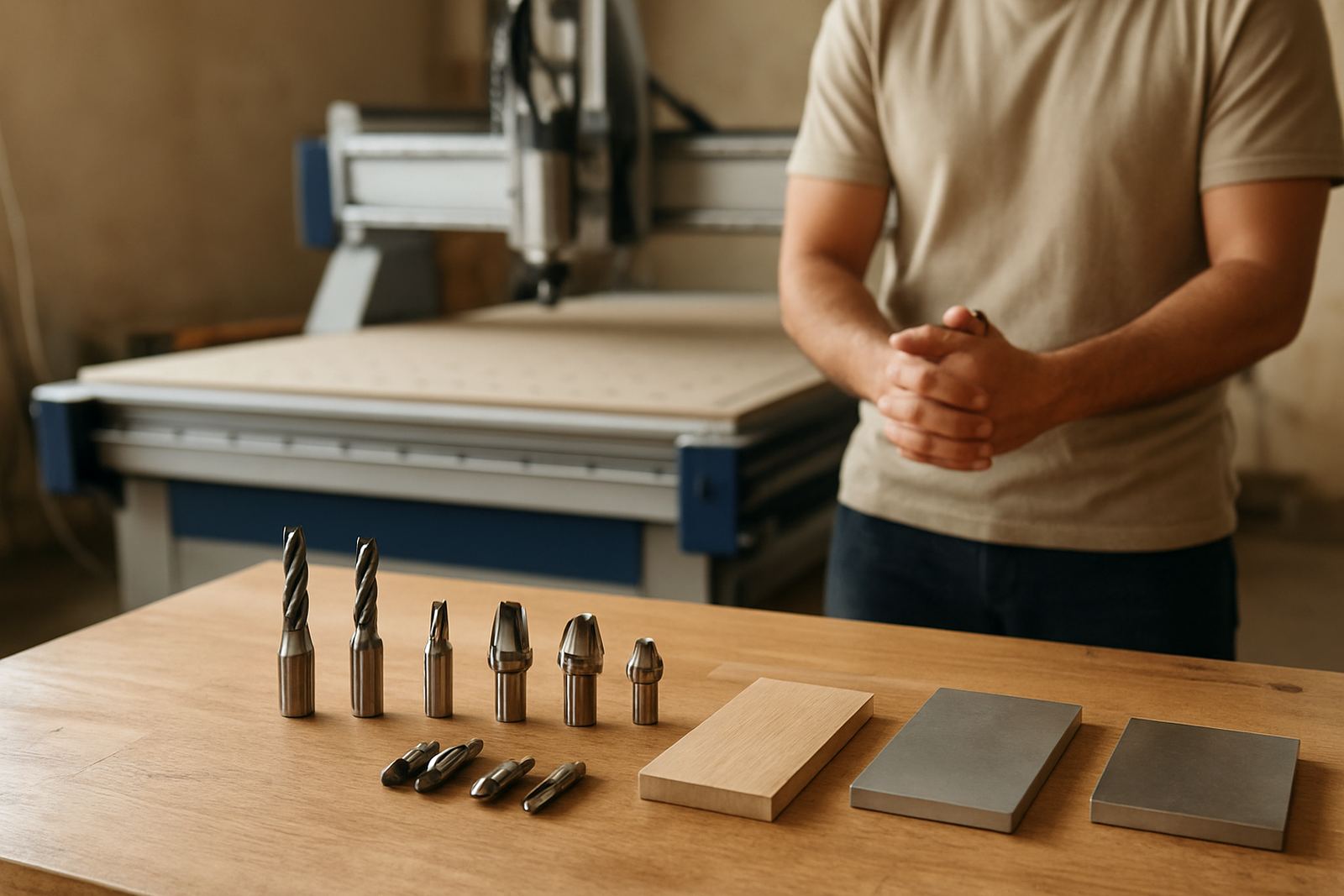
Tooling setup starts with the job, not the cutter box. We look at the material type, board thickness, sheet size, spindle speed range and the finish you need, then match cutters to the way your team actually runs work. That means practical choices for MDF, particleboard, plywood, acrylic, HDPE, foam board and light aluminium work, with attention to chip evacuation and heat build-up.
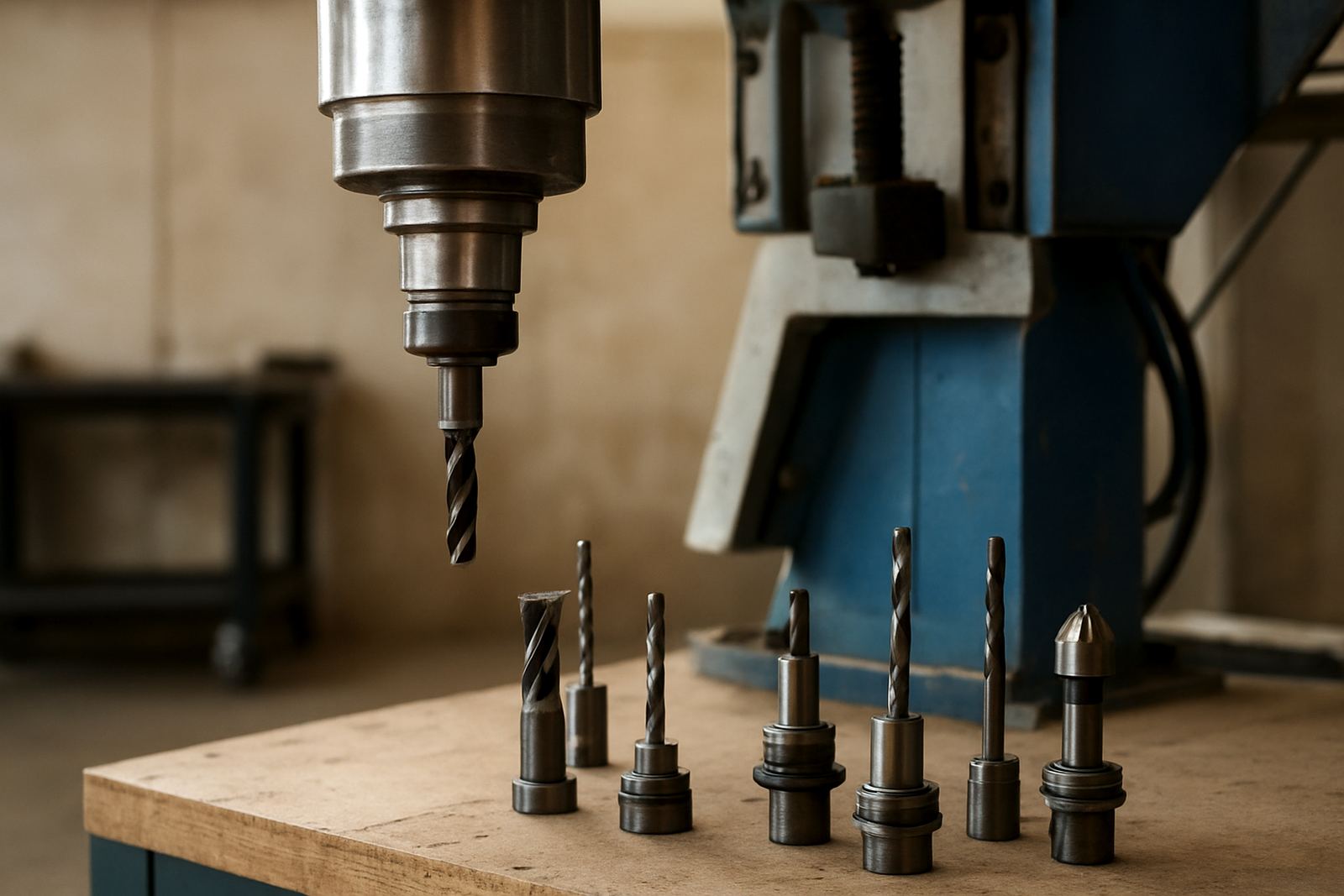
In busy Germiston and Johannesburg East shops, the wrong bit can cause burn marks, rough edges or chatter that slows the whole day. We help narrow the choice between compression cutters, upcut and downcut options, V-groove cutters, engraving tools and surfacing cutters, so the machine is doing proper work instead of fighting the tool.
- Cutter selection for sheet goods, plastics and soft metals
- Feed and speed starting points for entry and production routers
- Tool life advice for humid coastal sites and dusty inland workshops
What is included in a MultiCAM tooling setup visit
A tooling setup session is hands-on and focused on your own machine. We check spindle condition, collet fit, cutter stick-out and the current tool library on the controller. If your team changes jobs often, we also look at cutter change routines, tool naming and the order of operations so operators can work with less guesswork.
Where needed, we will advise on vacuum hold-down, spoilboard surfacing and whether a particular cutter length is too much for the job. The aim is to reduce repeat problems such as edge tear-out, tool deflection and poor finish on nested parts. We can support single routers and production cells, with guidance that fits local supply and maintenance realities.
- Tool and collet inspection
- Feed, speed and pass-depth settings
- Tool change routine and operator notes
- Practical recommendations for tool storage and labelling
Our setup process from sample cut to signed-off settings
We keep the process simple and measurable. First, we review the material list and the parts you are cutting. Then we set baseline parameters, run sample cuts and inspect edge finish, kerf width and any sign of burn, burrs or vibration. If the job needs it, we test more than one cutter profile before settling on the one that gives the best balance of finish and cycle time.
For some shops, the best result is not the fastest cut, it is the setting that gives repeatable parts with fewer call-backs. That matters on cabinet parts, signage letters and nested components where one bad setting can throw out a full sheet. We record the agreed settings so your operators are not starting from scratch every time a new order comes in.
- Review of material and part drawings
- Baseline setup and test cuts
- Edge inspection and adjustment
- Saved settings for repeat jobs
Turnaround times for first setup and follow-up changes
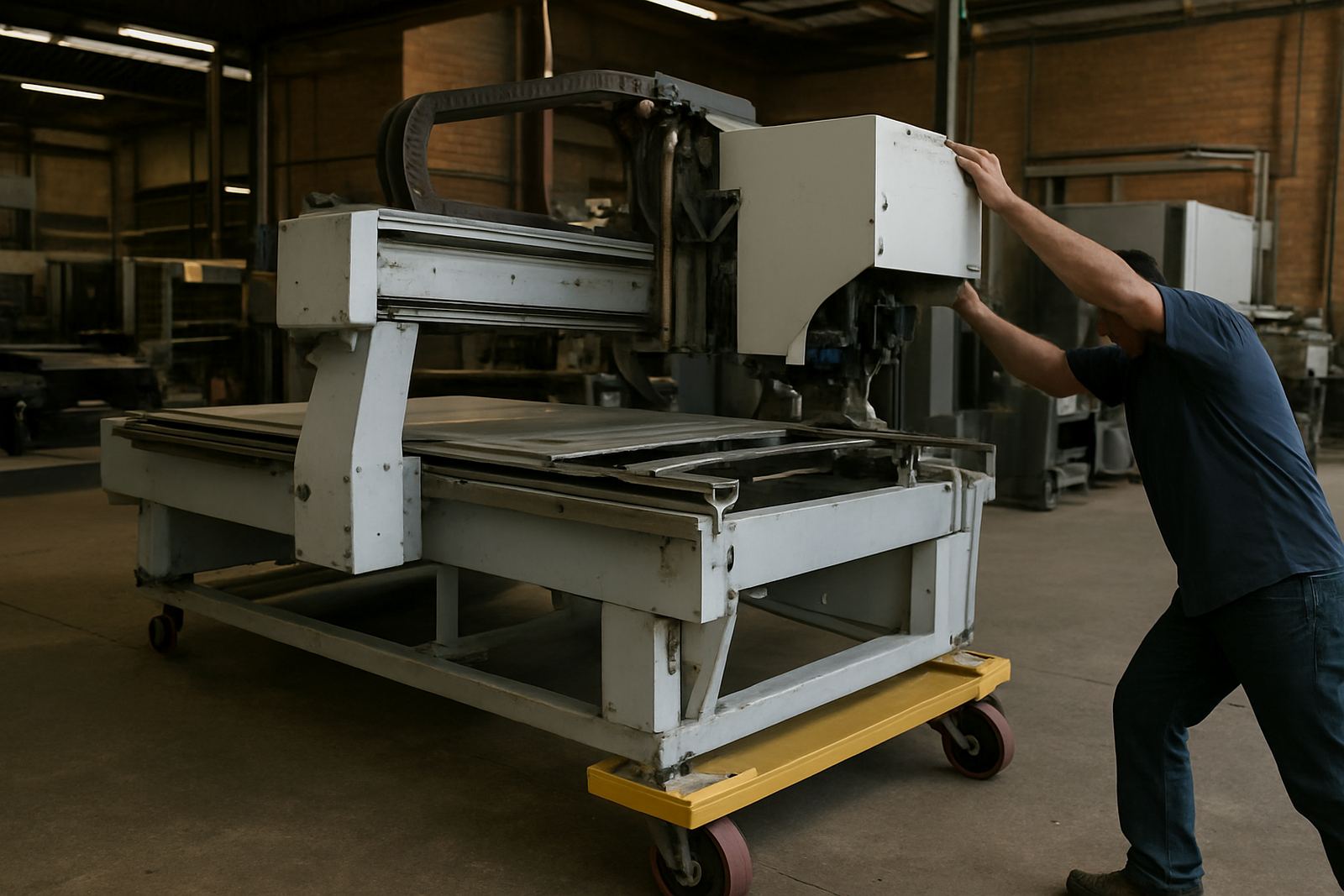
For Gauteng customers, tooling setup can often be arranged alongside installation, commissioning or a service call, depending on job size and site access. Simple setups and parameter checks are usually quicker than full process tuning, while mixed-material jobs and new operator teams need more time. If you are relocating a machine or restarting after downtime, we can re-establish the tooling settings and check that nothing shifted during the move.
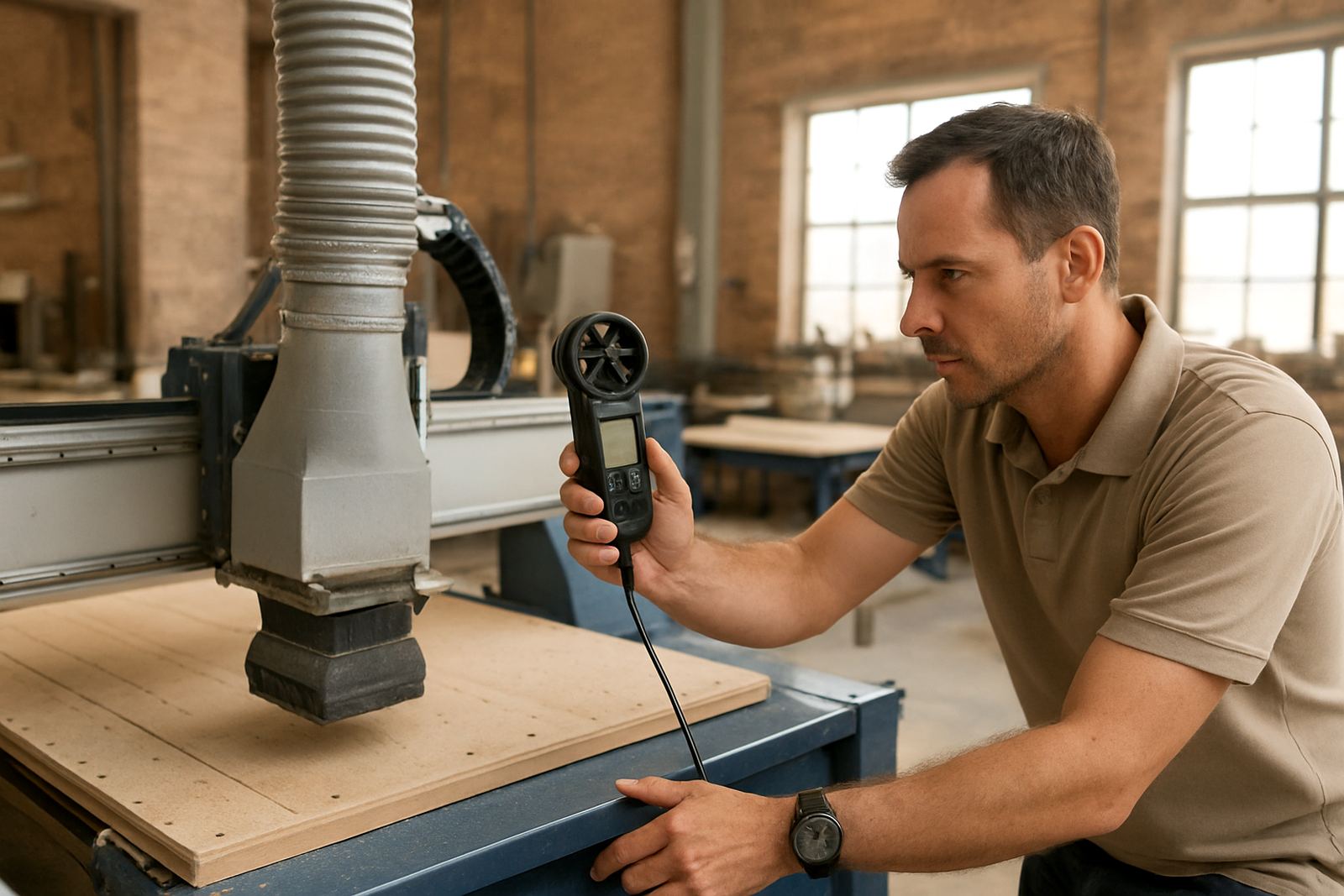
Where a workshop is running on generator power during load-shedding, or has unstable extraction and dust, we account for those conditions too because they affect finish and tool wear. We do not promise a one-size-fits-all time slot, but we do work around your production window and tell you upfront what needs to be on site.
- Basic checks and settings review: often same visit as service or install
- New material set-up: allow time for test cuts and sign-off
- Relocation re-setup: allow for re-leveling, recheck and fresh tool tests
Pricing that follows the machine, material and support level
Pricing is based on the amount of time on site, the number of cutters and materials being tested, and whether the work is a first setup, a reset after maintenance, or an ongoing production support visit. If a workshop needs tooling advice across several machines, we quote on the scope so you only pay for the support that is actually required.
We keep pricing practical and clear, with no unnecessary extras. If you only need feed and speed guidance on a standard router, that is priced differently from a full tooling review for a production cell with multiple tool holders, vacuum hold-down issues and operator retraining. Quotes are issued from our Germiston base and cover support across Johannesburg, Pretoria East, Midrand, Durban North and Cape Town North as needed.
- Single machine setup or troubleshooting
- Multi-machine or production line support
- Tooling advice during installation or after relocation
How often tooling settings should be checked
Tooling settings should not be left untouched for months. As a rule, check them after any spindle service, collet replacement, controller update, machine move or material change. Shops running long shifts or cutting abrasive board stock should review settings more often because cutter wear changes the result quicker than most teams expect, and sometimes the problem is small but it keeps coming back.
We also recommend a scheduled review when you bring in a new operator, add a new tool type or start cutting in higher humidity conditions. Coastal sites around Durban North may see different behaviour to an inland workshop in Germiston, especially with board swelling, dust control and tool corrosion. A short check at the right time can save a lot of scrap and machine frustration.
- After machine relocation or re-commissioning
- After spindle, collet or tooling changes
- When material supplier, board grade or thickness changes
- Before high-volume runs where repeatability matters
Key facts
| Supported machine sizes | Entry routers through to production cells |
|---|---|
| Material range | MDF, plywood, particleboard, acrylic, foam board, HDPE and light aluminium |
| Typical tooling | Compression, upcut, downcut, V-groove, engraving and surfacing cutters |
| Setting factors | Spindle speed, feed rate, pass depth, cutter stick-out and hold-down method |
| Service areas | Germiston, Johannesburg East, Midrand, Pretoria East, Durban North and Cape Town North |
| Support contact | Our contact form |